EN
5 Configuration via the DC/DS transmitter
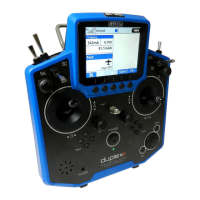
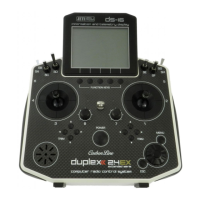
The Central Box can be configured by a DC/DS transmitter via the
Device Explorer menu. It is necessary to follow these rules for
configuring the Central Box via transmitter:
- Receiver firmware version Duplex 3.12 and newer (with
setting Output mode->EX Bus)
- The receiver must be connected to the Central Box via EX bus
- Transmitter firmware version 2.02 and newer + the device
profile (CBOX100.bin or CBOX200.bin) recorded in the devices
directory on the SD card of the transmitter
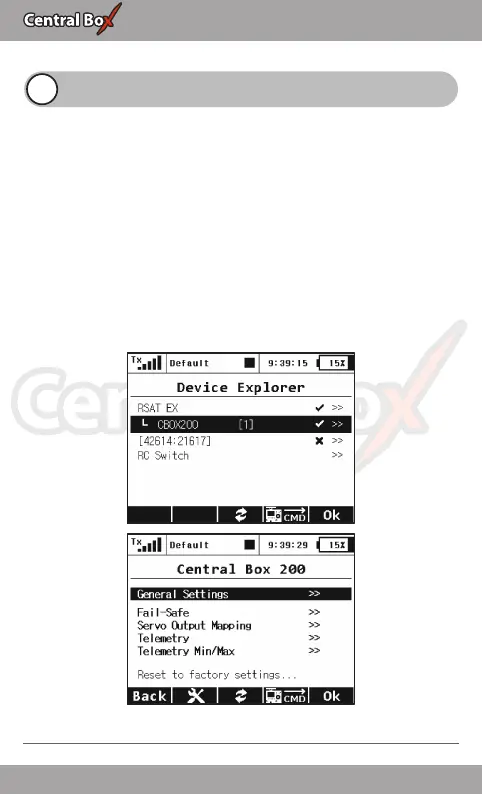
When everything is properly connected and configured, the
CBOX100.bin or CBOX200.bin item appears in the Device Explorer
menu. Entering the item moves you to the configuration menu.
Fig. 14: Device Explorer
20 EN


 To Next Page