26
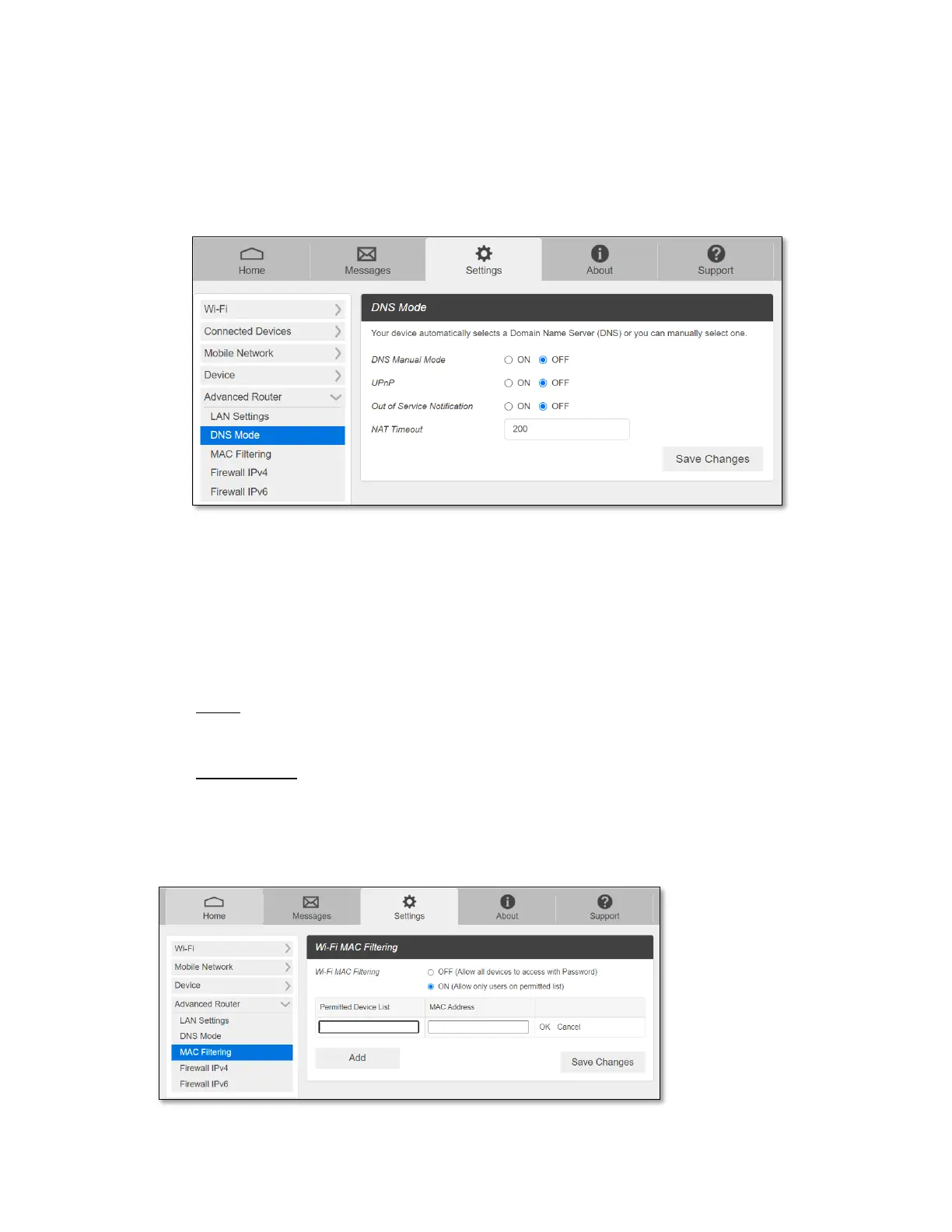
- DNS Mode
- DNS Manual Mode
Your device automatically selects a Domain Name Server (DNS) assigned by your
service provider. DNS Manual Mode option allows you to manually set up two DNS
IP addresses you want to use instead.
To manually set a Domain Name Server:
1. Click the ON button to enable Manual DNS.
2. Enter the IP address of the first DNS in the DNS Address 1 field.
3. Enter the IP address of the second DNS in the DNS Address 2 field.
4. Click Save Changes button.
- UPnP: When it is ON, the devices connected to CG890 seamlessly discover each
other's presence on the network and establish functional network services.
- NAT Timeout: The device will keep NAT entries in the translation table for this
configurable length of time.
- MAC Filtering
The MAC filtering allows only selected devices to access your router’s Wi-Fi network.



 To Next Page