82
7. Press and to
return to the main menu.
Note!
All information items given in "8.3.3 Setting Information Item Description"
can be set according to the above operation, which is explained here only by
taking the setting of D-power as an example.
8.4 Malfunction Description
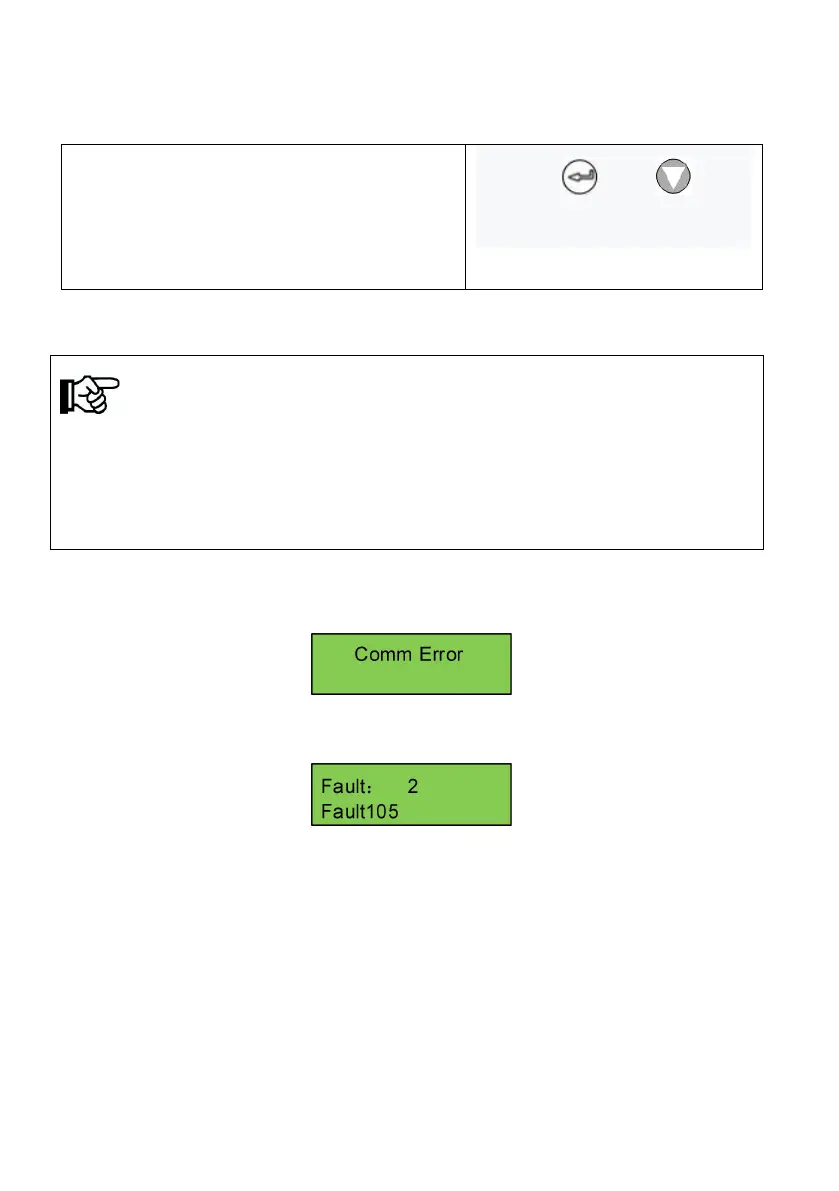
If communication failure appears, the below interface will appear.
This interface will appear, and Fault red led flickers to show malfunction, this
means internal communication malfunction is appear.
Display show malfunction, fault LED lights up, shows inverter malfunction or
stop. Press “UP” or “DOWN” to inquire current malfunction, choose “ESC”,
press “ENTER” to quit. ( When LCD screen show fault code, and fault LED
lights up, which mean inverter fault or stop. Press “UP” or “DOWN” to inquire
current fault, choose “ESC”, press “ENTER” to quit.)



 To Next Page