Network Room Module Technical Bulletin 11
Temporary Occupied Mode
The Temporary Occupancy Mode Request output network variable
normally reflects the value of the Effective Occupancy Status input
network variable as received from the controller. In UNOCCUPIED or
STANDBY mode, you can force the Temporary Occupancy Mode
Request output variable to Temporary Occupied (BYPASS) mode for the
time duration (in minutes) set in the configuration property Temporary
Occupied Time. You achieve this Temporary Occupied mode when you
press the fan push button or rotate the setpoint dial. The BYPASS state of
the Temporary Occupancy Mode Request network variable is then
transmitted to the connected controller to set the occupancy status of the
controller to the Temporary Occupied (BYPASS) mode. When the
temporary occupied time expires, the value of Temporary Occupancy
Mode Request returns to the value of the Effective Occupancy Status
input variable. This operation depends on the correct configuration of the
application in the controller using FX Builder.
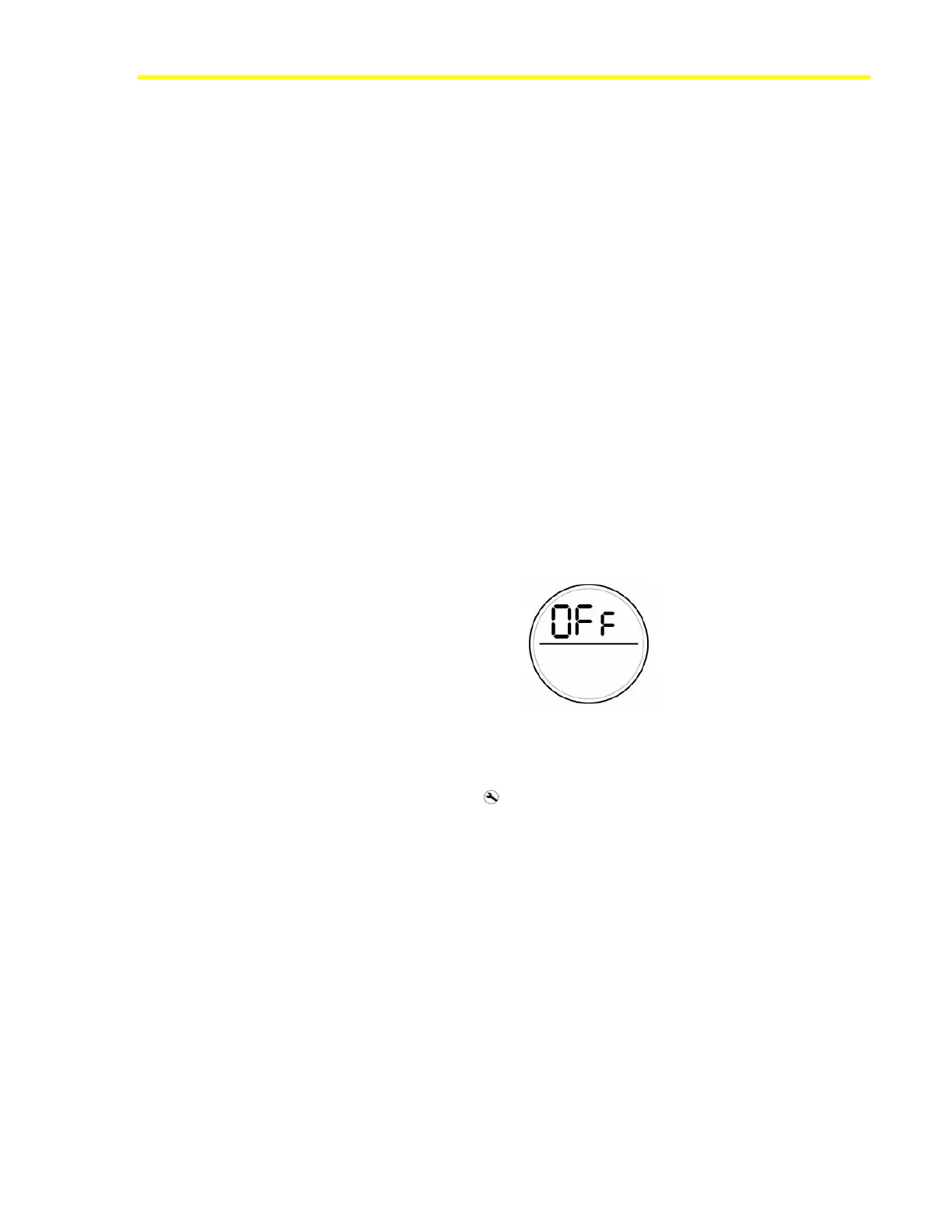
Off Mode
When the network variable input HVAC Application Mode has the OFF
(state 6) value, the display shows OFF in the upper display field to
indicate that no control action is possible.
Figure 9: OFF Mode Display (HVAC Application Mode)
Maintenance Icon
The maintenance icon ( ) appears on the display when the configuration
property Enable Maintenance Icon is enabled (ON) and one of the
following conditions exists:
• The network variable input Display Maintenance Icon is ON. The
control application in the controller determines the conditions for the
network variable to be on.
• The internal space temperature value, as seen in Space Temperature
Output, is unreliable (out of range).
• There is no communication with an FX controller.
You can choose not to display the maintenance icon on the NRM by
setting the configuration property Enable Maintenance Icon to disabled
(OFF).













 To Next Page