Network Room Module Technical Bulletin 27
25
58
78
3.5
13
20
78
17
11
OB ENU P
5.0
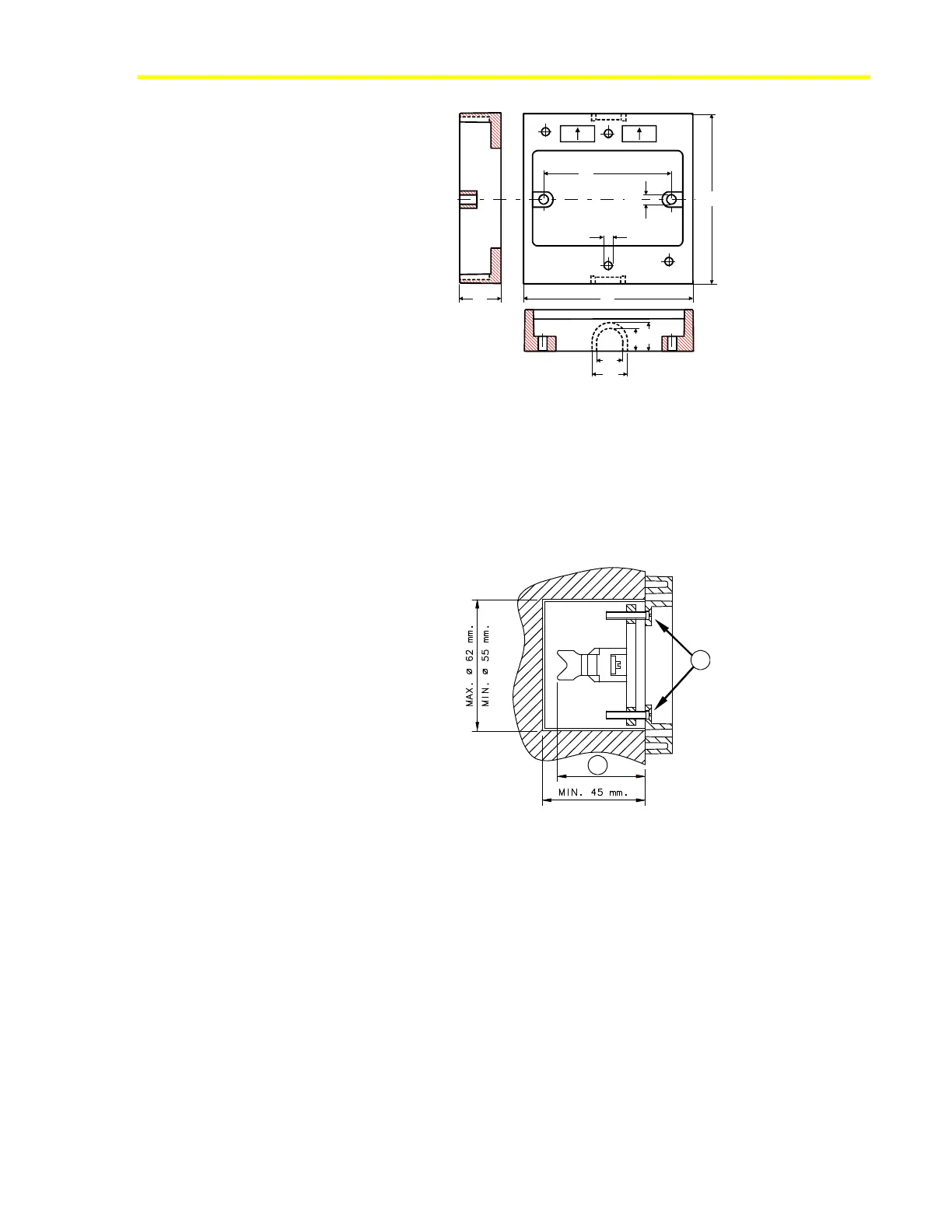
Figure 21: Dimensions (mm) of the Plastic Surface Mounting Base
Mounting the NRM (80 x 80 mm) on a Recessed Wall Box
To install the recessed wall box mounting kit (see Figure 25 for
dimensions):
1. Turn the screws (A) to adjust distance (D) to match the depth of the
wall box (Figure 22):
A
D
Figure 22: Side View of Wall Box Mounting Kit
2. Insert the kit into the wall box, positioning it as shown in
Figure 23.













 To Next Page