Network Room Module Technical Bulletin 13
Network Room Module Parameters (Room Sensor Object)
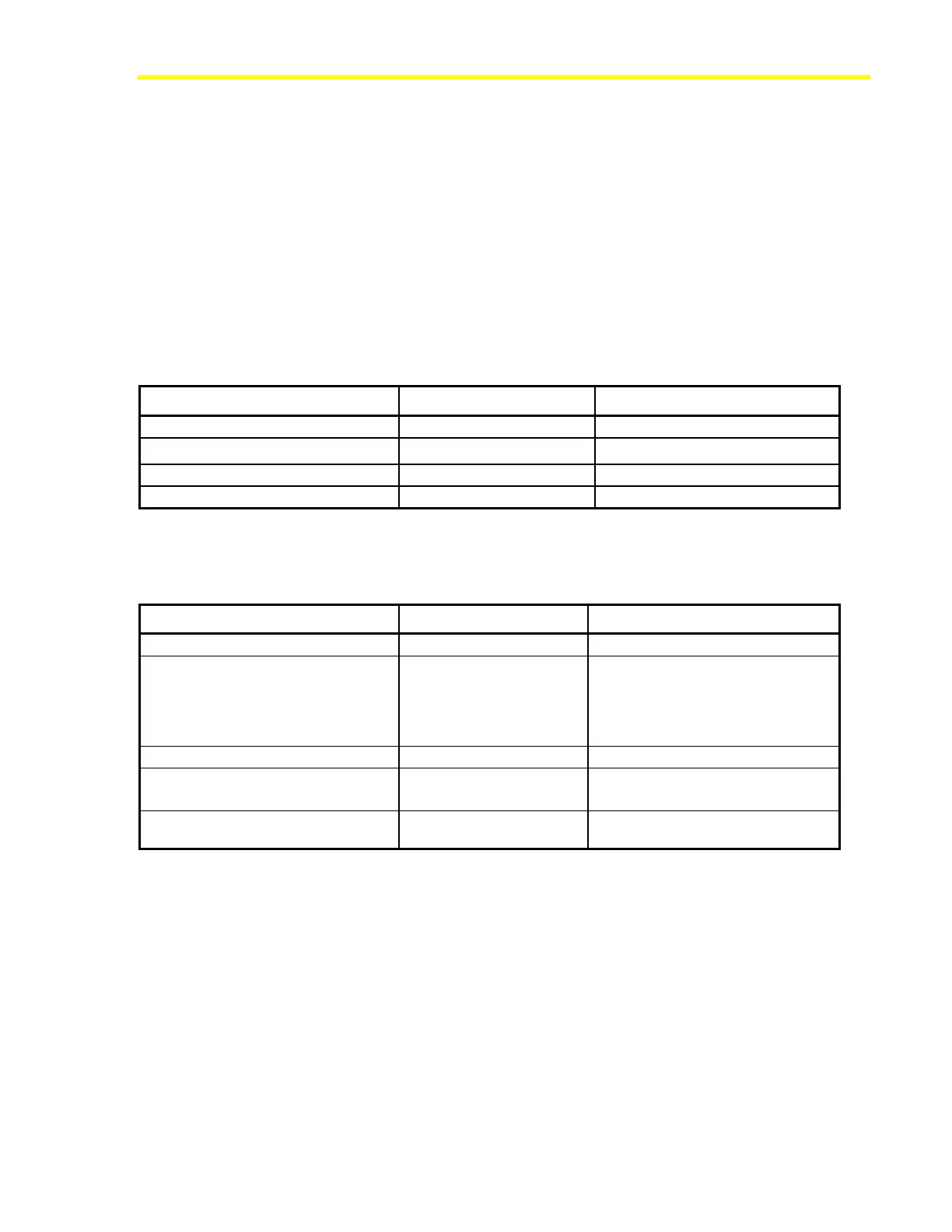
Table 5, Table 6, and Table 7 list the network variables and configuration
properties available in the NRM Room Sensor object. You must create an
instance of this object in the FX controller for the connected NRM. The
controller automatically transfers the configuration data to the NRM
module and transmits and receives the network variable information over
the local link bus.
Note: The configuration properties are also available as network
variable inputs so that they can be dynamically changed in the application
in the controller at runtime.
Table 5: Network Variable Inputs
Description Variable Name Data Type
Space Temperature Override
SpaceTempOverride Analog – temperature
Effective Occupancy Status
EffectOccupancyStatus
1
Enumeration – Occupancy
HVAC Application Mode
HVACMode
2
Enumeration – HVAC Mode
Display Maintenance Icon
MaintenanceIcon
3
Binary logic
1. 0=Occupied, 1=Unoccupied, 2=Temp.Occ (Bypass), 3=Standby, 4-255=Invalid (Null).
2. 6=Off, All except 6 and 255=On, 255=Invalid. (When Off, the LCD shows OFF.)
3. 0=Off, 1=On, 2 to 255=Invalid. (When On, the LCD shows the maintenance icon.)
Table 6: Network Variable Outputs
Name/Description Variable Name Data Type
Setpoint Output (Absolute)
AbsoluteSetpoint Analog – temperature
Space Temperature Output
Sends displayed temperature: either
valid input from space temperature
override input or value of internal
sensor
SpaceTempVal Analog – temperature
Setpoint Output (Offset)
OffsetSetpoint Analog – temp diff.
Fan Speed Override
auto, off, low, medium, high
FanSpeedOverride
1
Enumeration – Fan Speed
Temporary Occupancy Mode
Request
Occupancy Mode
2
Enumeration - Occupancy
1. 0=Auto, 1=Off, 2=Low Speed, 3=Medium Speed, 4= High Speed 3, 5-255=Auto
2. 0=Occupied, 1=Unoccupied, 2=Temp.Occ (Bypass), 3=Standby, 4-255=Invalid (Null).













 To Next Page