Network Room Module Technical Bulletin 8
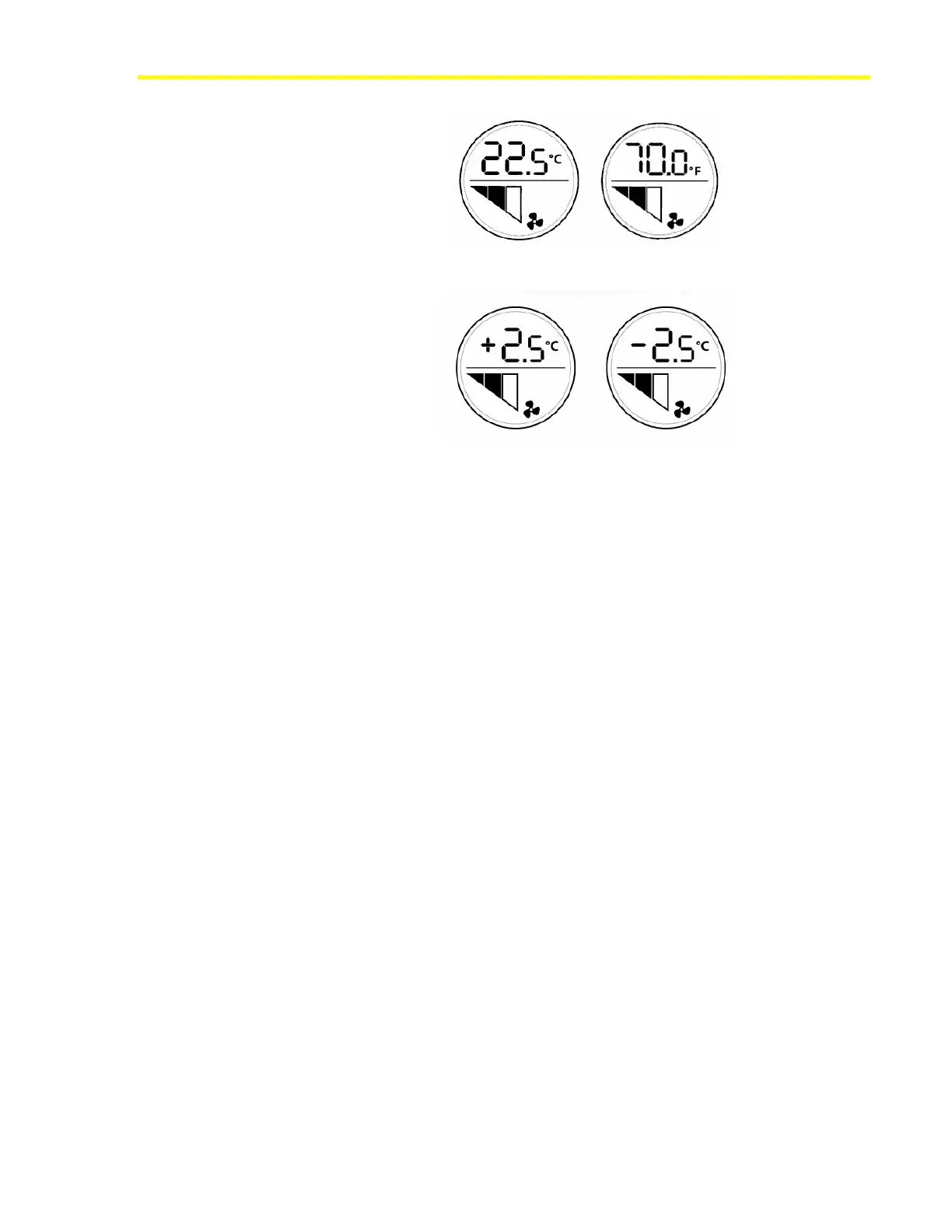
Figure 4: Absolute Setpoint Values in Celsius and Fahrenheit Units
Figure 5: Relative (Offset) Setpoint Values in Celsius Units
Setpoint Adjustment
You can change the value of the setpoint by rotating the NRM dial to the
right to increase the setpoint, and to the left to decrease the setpoint. The
display stops at the high and low limits. The high and low limits are:
• ±3°C (±5°F) - if the NRM is configured to display the setpoint offset,
or
• the values are defined in the Space Temperature Setpoint Low Limit
and Space Temperature Setpoint High Limit configuration
properties, if the NRM is configured to display the absolute setpoint.
The default absolute setpoint limits are 12 and 28°C (53.5 and 82.5°F).
When you adjust the setpoint, the value you enter is transmitted to the
controller via either the network variable output Setpoint Output
(Absolute) or Setpoint Output (Offset), depending on the value of
Setpoint Configuration. The network variable that is not used is set to an
invalid value.
The Setpoint Output (Absolute) value when the NRM starts up is
determined by the Default Absolute Setpoint value in the Room Sensor
object in the controller. The factory set value is 21°C (70°F). The Setpoint
Output (Offset) value is zero at startup.
Fan Speed Adjustment
In NRM models with the fan speed override function, you can change the
speed of the fan by pressing the fan push button until the desired speed
appears on the fan speed bars. See Figure 6. The override value then
transmits to the controller via the network variable output Fan Speed
Override. When the fan is set to Off mode by an override command, the
OFF symbol appears.













 To Next Page