Network Room Module Technical Bulletin 9
When the fan is set to Auto mode, the Auto symbol appears, and the
controller determines the fan speed using its internal control algorithm.
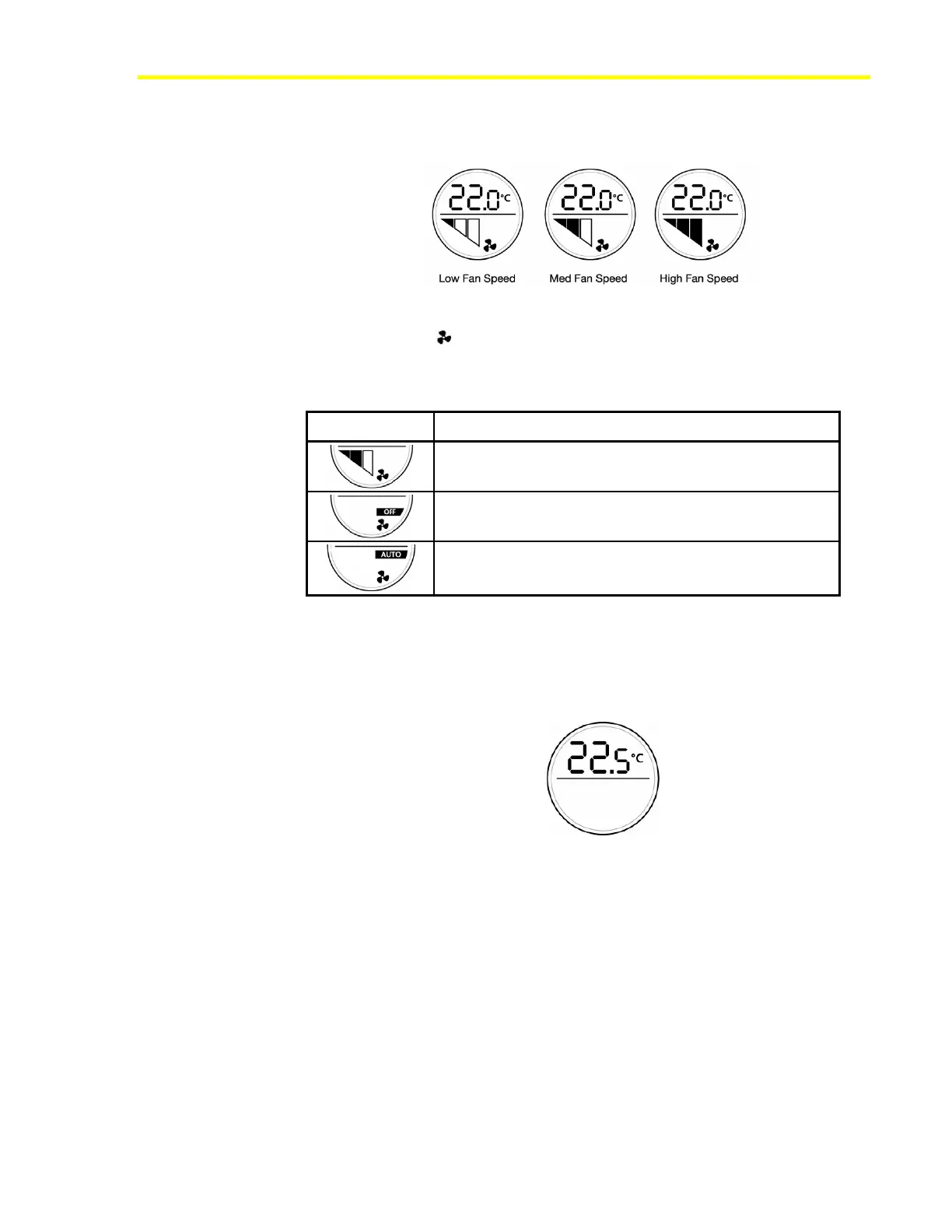
Figure 6: Fan Speed Display in Manual Override
The fan symbol ( ) is always shown, whether the fan is running or not.
Examples of the fan speed display are shown in Table 3.
Table 3: Examples of Fan Speed Display
Control Description
Fan speed was overridden to medium speed by the user.
Fan speed is overridden to OFF by the user.
Fan in AUTO mode – no override by user. The actual fan
speed is not shown.
The type of fan is configurable in the property Fan Configuration for:
• None (no fan)
There is no fan. The fan override function is disabled (Figure 7).
Figure 7: No Fan Display
• One speed
If you set the property to One speed fan, pressing the fan push button
cycles the fan status: AUTO, OFF, and ON. The display fills all three
fan bars to indicate the ON status.
• Two speed
If you set the property to Two speed fan, pressing the fan push button
cycles the fan status: AUTO, OFF, low, and high speed. The display
shows two fan bars for low speed and three bars for high speed.













 To Next Page