Verification:
1. Measure the output and verify that it matches the command.
2. Disconnect the connected device and verify the commanded value is present.
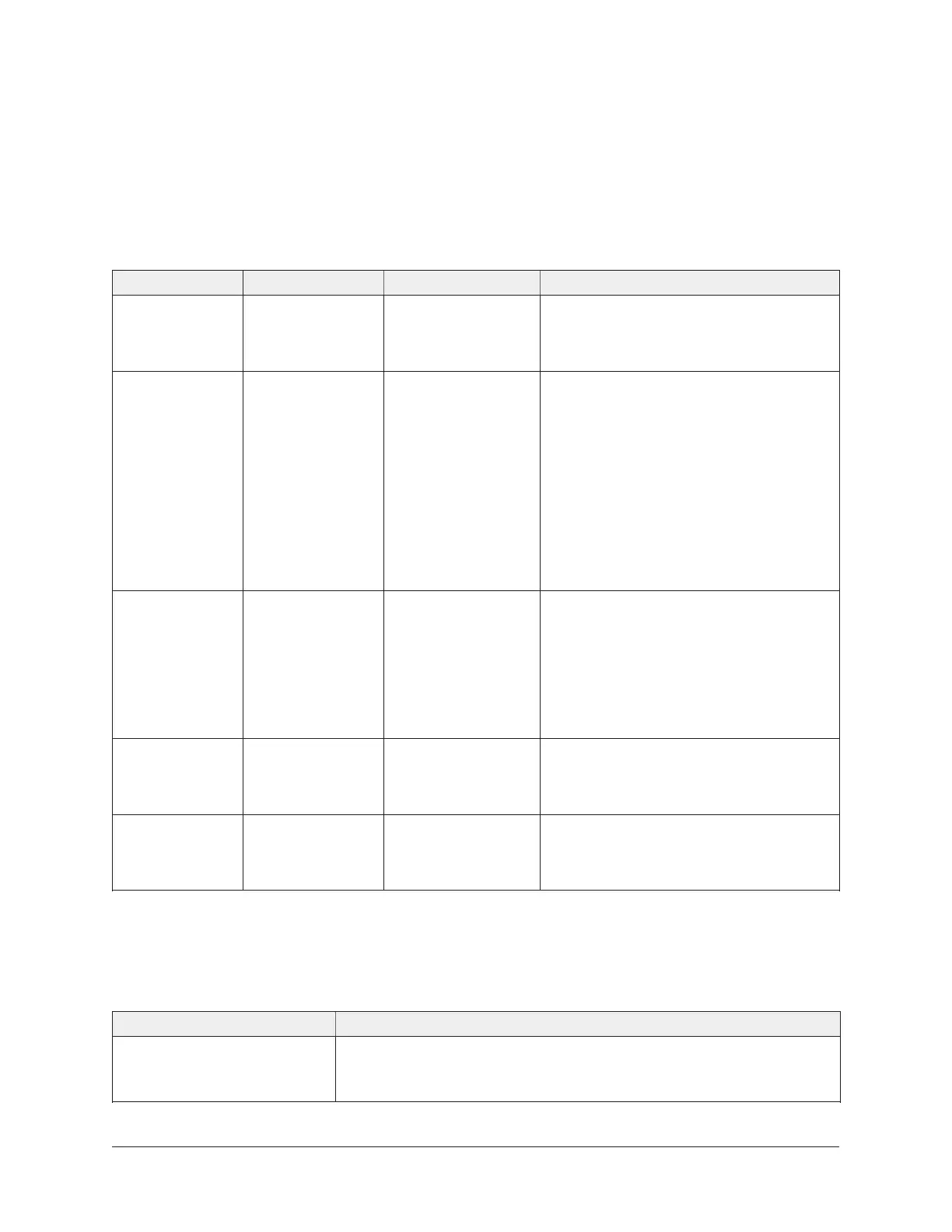
LED table
Table 8: FX-PCV Controller status LEDs
LED label LED color Normal state Descriptions of LED states
POWER Green On Steady Off Steady = No power
On Steady = Power is supplied by
primary voltage
FAULT Red Off Steady Blink - 2 Hz = Download or startup
in progress, not ready for normal
operation, SA Bus devices offline (such
as netsensors)
Rapid blink = SA Bus communications
issue
Off Steady = No faults
On Steady = Device fault or no
application loaded
SA BUS Green Blink - 2 Hz Blink - 2 Hz = Data transmission
(normal communication)
Off Steady = No data transmission (N/A
- auto baud not supported)
On Steady = Communication lost;
waiting to join communication ring
ETH1 Green Off Off Steady = ETH1 is not connected
Blinking = ETH1 connected and
communicating
ETH2 Green Off Off Steady = ETH2 is not connected
Blinking = ETH2 connected and
communicating
Accessories
Use Table 9 to order accessories.
Table 9: FX-PCV1615/1626/1628/1630 Controller Accessories (Order Separately)
Product code number Description
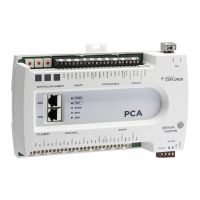
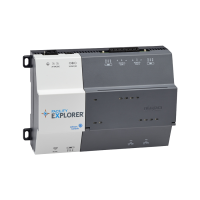
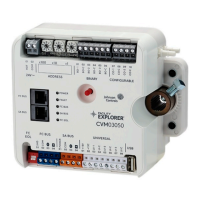
FX-PCX Series Expansion
Input/Output Modules
Refer to the FX-PC Series Programmable Controllers and Related
Products Product Bulletin (LIT-12011657) for a complete list of
available FX-PCX Expansion I/O Modules.
25FX-PCV1615/1626/1628/1630 Programmable VAV Box Controllers Installation Instructions









 To Next Page