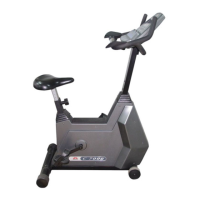
4.1 CONSOLE REPLACEMENT
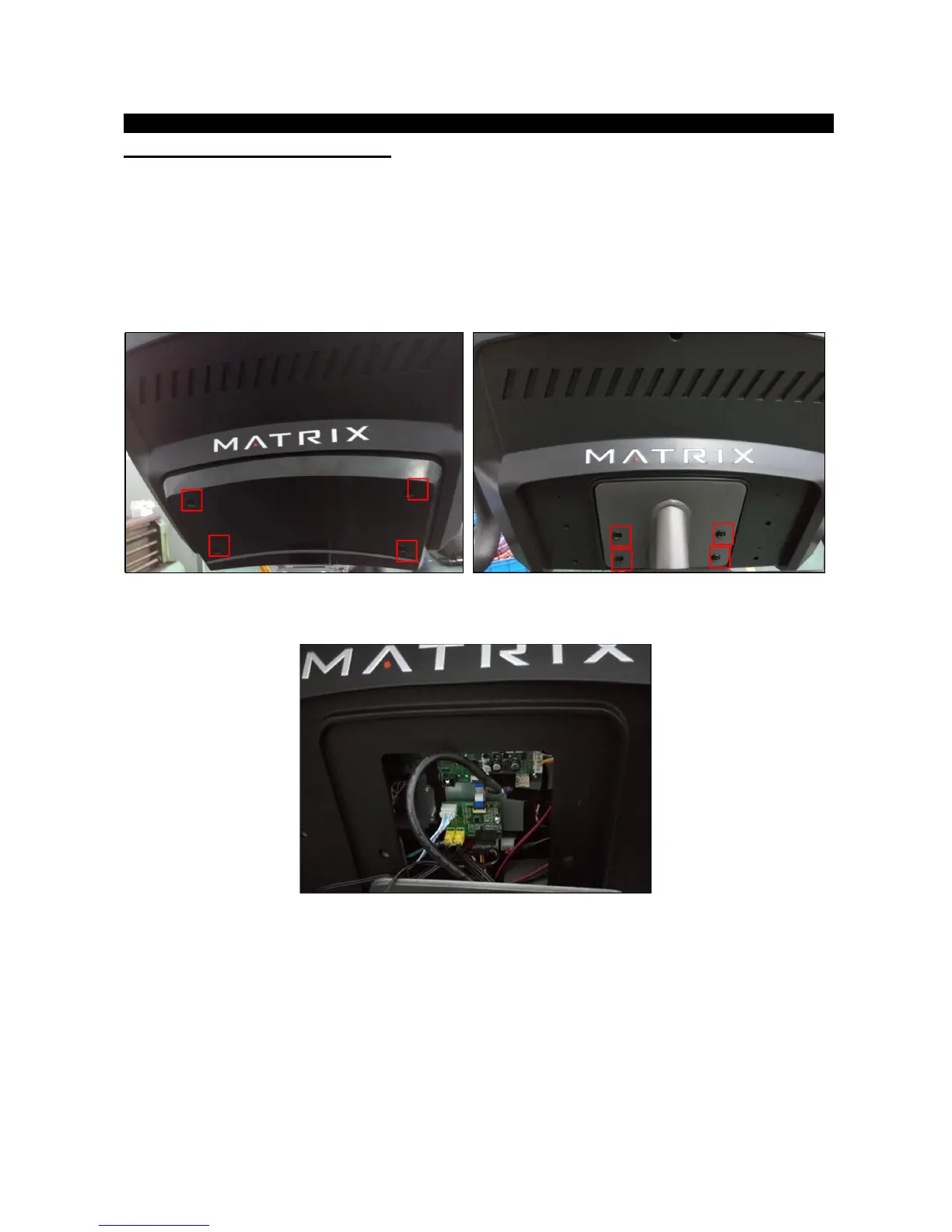
1) Remove the 5 screws holding the console back cover to the frame (Figure A).
2) Remove the 4 screws holding the console to the frame (Figure B).
3) Disconnect the console cable and HR connections from the defective console and remove the console
(Figure C).
FIGURE A FIGURE B
FIGURE C
3) Reinstall the wire connections to the new console.
4) Carefully push the wires into the console and mast until they are clear of the console/mast connection
and attach the console to the mast using the 4 screws.


 To Next Page