➢ A:12 seconds System initialization time.
➢ B:≥4ms MO and PA signal delay time.
➢ C:Switching off PA should earlier than MO or at same time.
➢ D:Frequency sampling time under internal frequency mode, at least 1 complete frequency
period before turning on the laser (PA).
➢ E:SIMMER value. The first pulse energy can be adjusted via E type software.
Fiber laser control system self-locking: If fiber laser is on abnormal status (high temperature,
low 24V power supply etc.), it will stop working to protect the whole system. Please restart the
fiber laser. Error messages are recorded in E type software.
3. JPT GUI Laser Testing Software-E type
E type is designed for YDFLP-E series laser. It has multiple functions including laser control,
setting the default parameters, setting the control mode, alarm monitoring, DB25 interface
monitoring, internal parameters monitoring etc. E type also records error events which caused
system self-locking.
3.1 GUI Operation
3.1.1 Serial COM port
1) Connecting method
Using USB TO RS232 cable to connect PC’s USB to the Laser’s RS-232 connector.
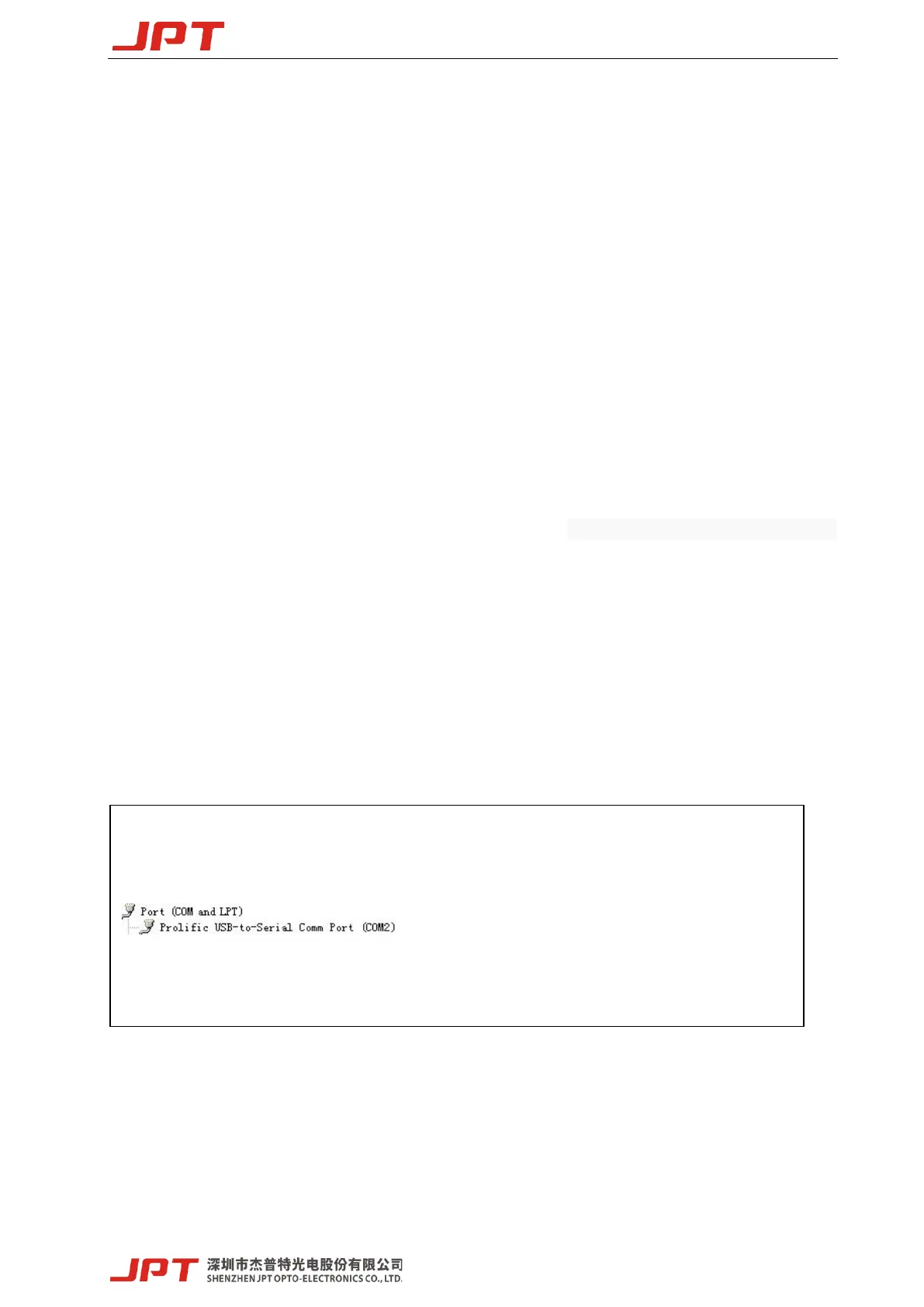
将串口号选为上图的串口号,然后点击打开串口,如下
Click the Serial Comm Number as follow:




 To Next Page