YDFLP Fiber Laser Installation
Guide and User Manual
FileNumber:EFLP001‐B‐E ShenzhenJPTOpto‐electronicsCo.Ltd.
Version:BDate:2016.4
13
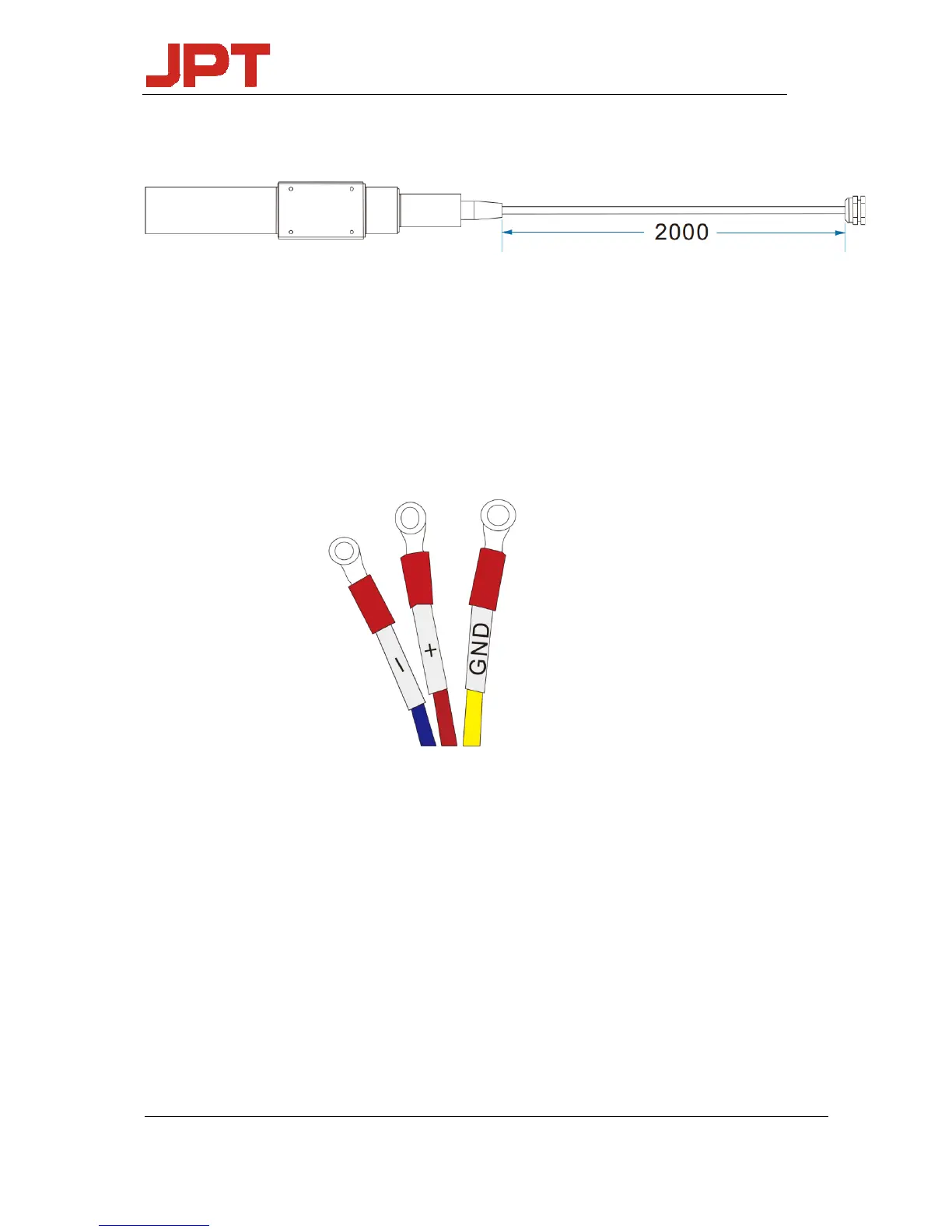
3. Mechanical Dimensions of the output fiber cable
The exact size of isolator please in kind prevail.
2.2 Installation Procedures
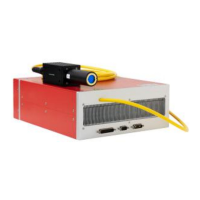
1) Fix the laser module onto the mounting panel, make sure enough air gaps around the laser
module for sufficient air flow.
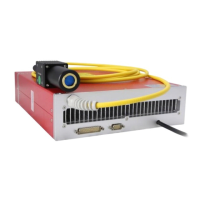
2) Connect the power cables with the 24V DC power supply correctly according to the color
code, i.e. Red: DC positive, Black: DC negative, and Olivine: GND.
Figure 9 Color code of the power supply cable
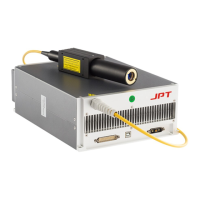
3) Ensure that the control interface of the external controller can match the laser, and then
connect the control cable to the laser and fix it.




 To Next Page