YDFLP Fiber Laser Installation
Guide and User Manual
FileNumber:EFLP001‐B‐E ShenzhenJPTOpto‐electronicsCo.Ltd.
Version:BDate:2016.4
5
1.2 Packaging List
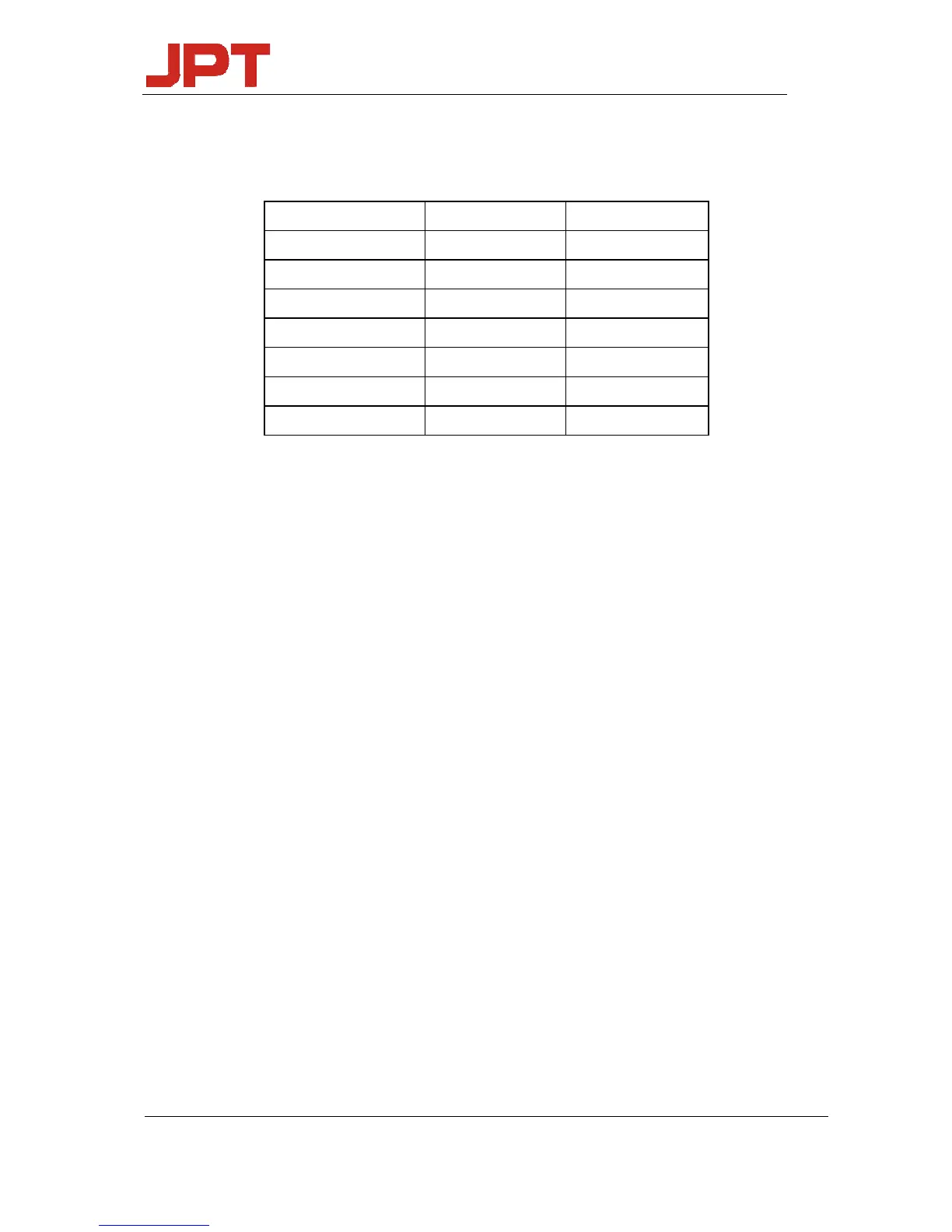
Table 2 Packaging List of YDFLP
Item Quantity Comments
FiberLaser 1
24VPowerCable 1
USBDataLine(GUI) 1
IsolatorDustCap 1
TestingReport 1
SpecificationList 1
PrecautionsforUsage 1
1.3 Operation conditions and safety instructions
In order to maintain good performance and reliability of this product, please always operate
the laser under normal conditions as below:
1) This fiber laser shall be operated with 24V/8A DC power supply; wrong connection will
lead the fiber laser can’t work
2) There should be 10-cm-wide air gaps in front and behind the fiber laser chamber, and the air
flow direction should be the same with the fiber laser module and the rest of the whole system;
Short Ventilation distance and wrong air flow direction will lead the fiber laser can’t
work.
3) The operating temperature should be 0~40℃; the fiber laser will alarm internal if the
temperature above 40℃; it’s a protection action in order to insure the long time operational
reliability.
4) Please keep the laser module clean during the operation, especially for the fiber pigtail and
output isolator; please remember cover up isolator exit during unworking time.
5) Power off the product before installing or uninstalling this fiber laser;
6) Never look at the fiber laser head, and please wear laser goggle when operate this fiber laser;
7) The YDFLP-M6+ contains 16 pulse width to choose: 1ns,2ns,4ns,6ns,9ns,13ns,20ns,30ns,
45ns,55ns,60ns,80ns,100ns,150ns,200ns,250ns.If you need other pulse width, please contact
us for customization.




 To Next Page