57
SYSTEM MODE
CHAPTER 5:INPUT MODE AND FUNCTION
•
Helicopter
5.2
NORMAL DISPLAY5.1
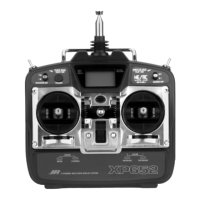
XP652 MANUAL Helicopter
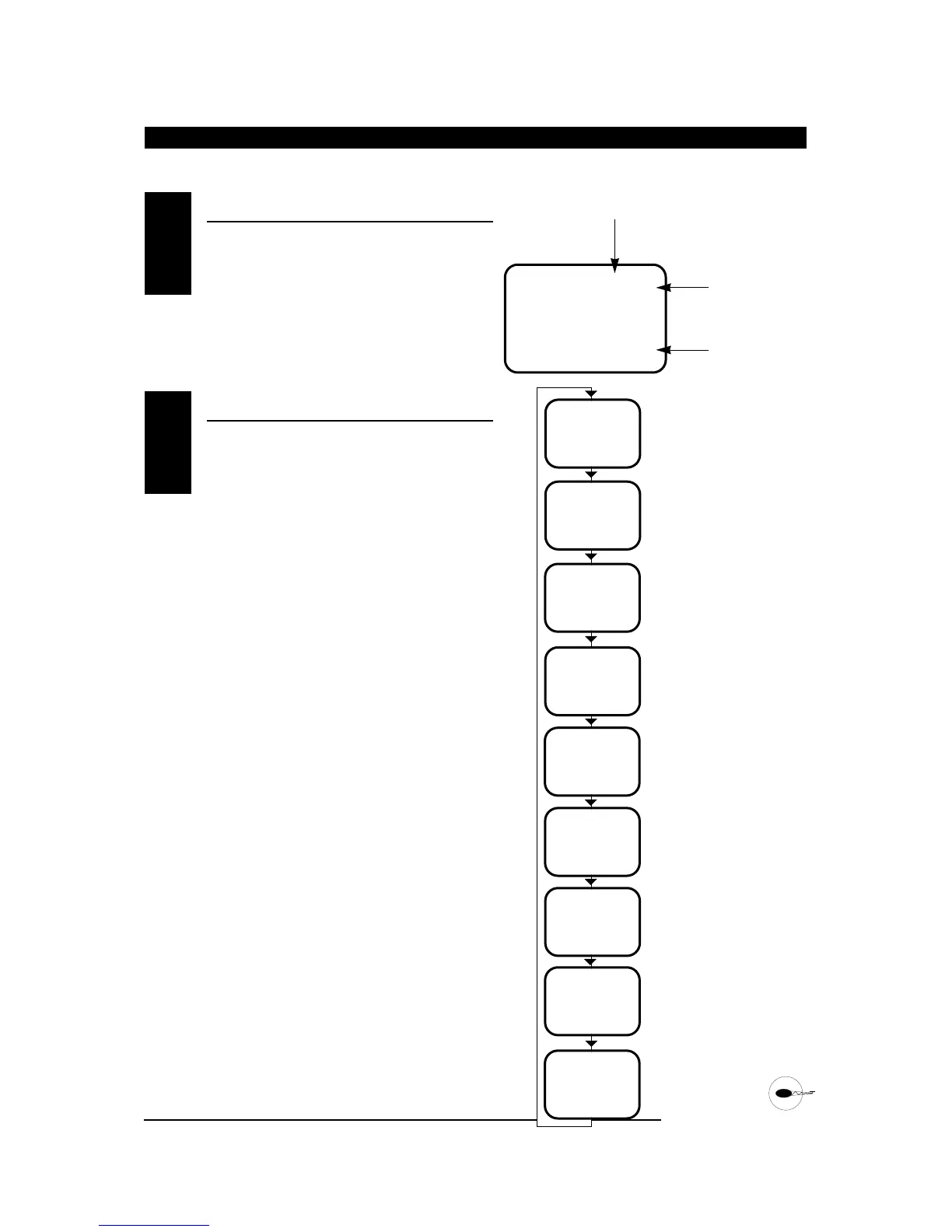
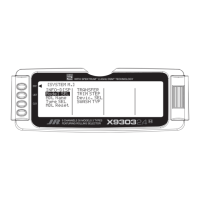
When the power switch is turned on the screen will
read as shown here in the diagram. This screen is
referred to as the normal display.
To enter the system mode press the MODE and
CHANNEL buttons simultaneously while you turn on
the transmitter. You can now select any of 8 system
mode functions shown here in the flow chart. To exit
the system mode, press the MODE and CHANNEL
buttons simultaneously or turn off the transmitter.
Press the MODE button to move through the system
mode functions. Information for each function is
located on the page number listed next to the
function name.


 To Next Page