EasyManua.ls Logo

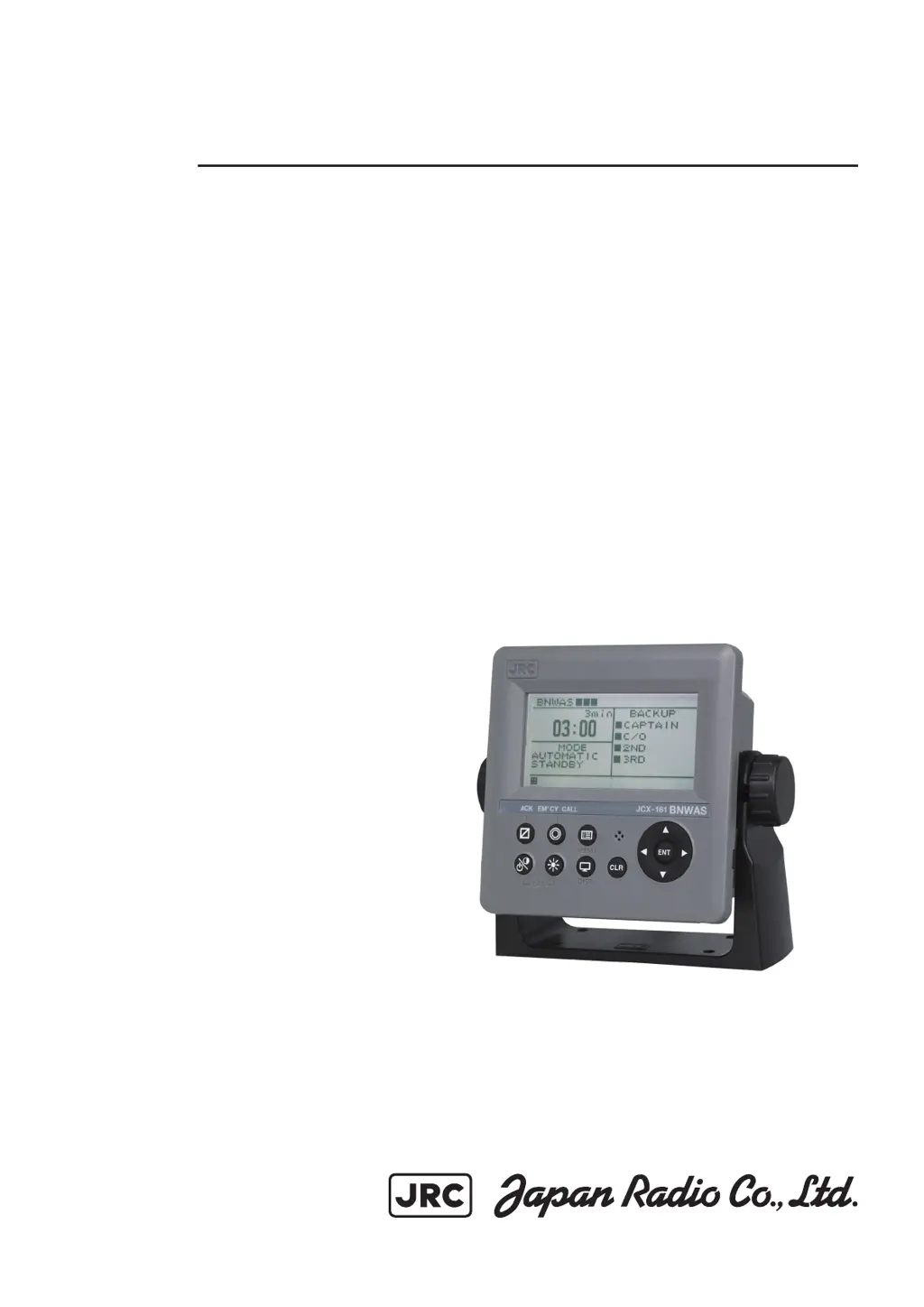
JRC JCX-161 - User Manual

JRC JCX-161
86 pages
Print Icon
To Next Page IconTo Next Page
Loading...
INSTRUCTIONINSTRUCTION
MANUALMANUAL
JCXJCX
-
161161
Bridge NavigationalBridge Navigational
Watch Alarm SystemWatch Alarm System
ISO 9001, ISO 14001 Certified
FEB. 2017 Edition 2CODE No.7ZPNA4317A
Not use the asbestos
For further information,contact:
URL Head office : http://www.jrc.co.jp/eng/
Marine Service Department
1-7-32 Tatsumi, Koto-ku, Tokyo 135-0053, Japan
           : tmsc@jrc.co.jp
           :
+81-50-3786-9201
e
-
mail
One
-
call

Table of Contents

Other manuals for JRC JCX-161

Questions and Answers

  • K
    Kevin BergAug 4, 2025
    What to do if the LCD on my JRC JCX-161 Security System operation panel is not displayed?
    • S
      Shelley KennedyAug 4, 2025
      If the LCD on the operation panel isn't displaying, there are a couple of things to check: * First, make sure the power breaker is turned on. * Second, the display might be dimmed. Try adjusting the dimmer to see if that brightens it up.
  • A
    Aaron RiveraAug 11, 2025
    Why is the visual indication not working on my JRC JCX-161 Security System's NCJ-895/896?
    • R
      Rodney WaltonAug 11, 2025
      If the visual indication on your NCJ-895/896 isn't working, the display might be dimmed. Try adjusting the dimmer to see if that resolves the issue.
  • J
    Joshua RamosAug 20, 2025
    Why is the visual indication not working on my JRC JCX-161's NCD-2257?
    • M
      meganleeAug 20, 2025
      If the visual indication on your NCD-2257 isn't working, it might be because the display is dimmed. In this case, try adjusting the dimmer.
  • T
    Timothy DiazAug 27, 2025
    What to do if the NYG-5 reset does not work on JRC JCX-161 Security System?
    • D
      Dr. Jennifer Juarez PhDAug 27, 2025
      If the NYG-5 reset isn't working, it might be due to air conditioning devices nearby. Try taking apart the air conditioning devices from NYG-5.

Summary

Before Use and Cautions

Warning Symbols and Labels

Explains warning labels and symbols for safe system operation and to prevent damage.

Safety and Operational Precautions

Details critical warnings and cautions for safe operation and preventing equipment damage.

Chapter 1 General Outline of Equipment

System Functions and Operation Modes

Outlines system purpose, operation modes, and alarm sequences.

Chapter 2 Names and Functions of System Components

Chapter 3 Operation

WATCH ALARM Operational Flow

Describes the sequence of displays and alarms during operation.

Malfunctions, History, and Testing

Covers handling malfunctions, viewing history, testing components, and adjusting display.

Chapter 4 Maintenance

Chapter 6 After Service

Chapter 8 Specification

JRC JCX-161 Specifications

General IconGeneral
BrandJRC
ModelJCX-161
CategorySecurity System
LanguageEnglish

Related product manuals