– 39 –
Adjustment procedures
Results of Improper adjustment
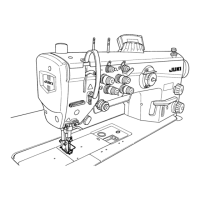
1. Turn the alternate vertical dial
1
to adjust the scale between
"7.5" to "8".
2. Loosen setscrews of the top cover to remove the top cover.
3. Loosen installing screws
2
of the detection switch of the
amount of alternate vertical movement, and adjust so that the
distance between the detection switch of the amount of alter-
nate vertical movement
3
to the alternate vertical dial
1
is 0.4
± 0.1 mm.
4. Then tighten installing screws
2
of the detection switch of the
amount of alternate vertical movement.
(Caution) When the position of the detection switch of the
amount of alternate vertical movement
3
is changed,
check whether the relation between the alternate ver-
tical dial
1
and the sewing speed is normal.
o
Sewing speed may not change
even when turning the alternate
vertical dial
1
.
海外講習会用121122LU-2810(-7)EM


 To Next Page
 Loading...