– 40 –
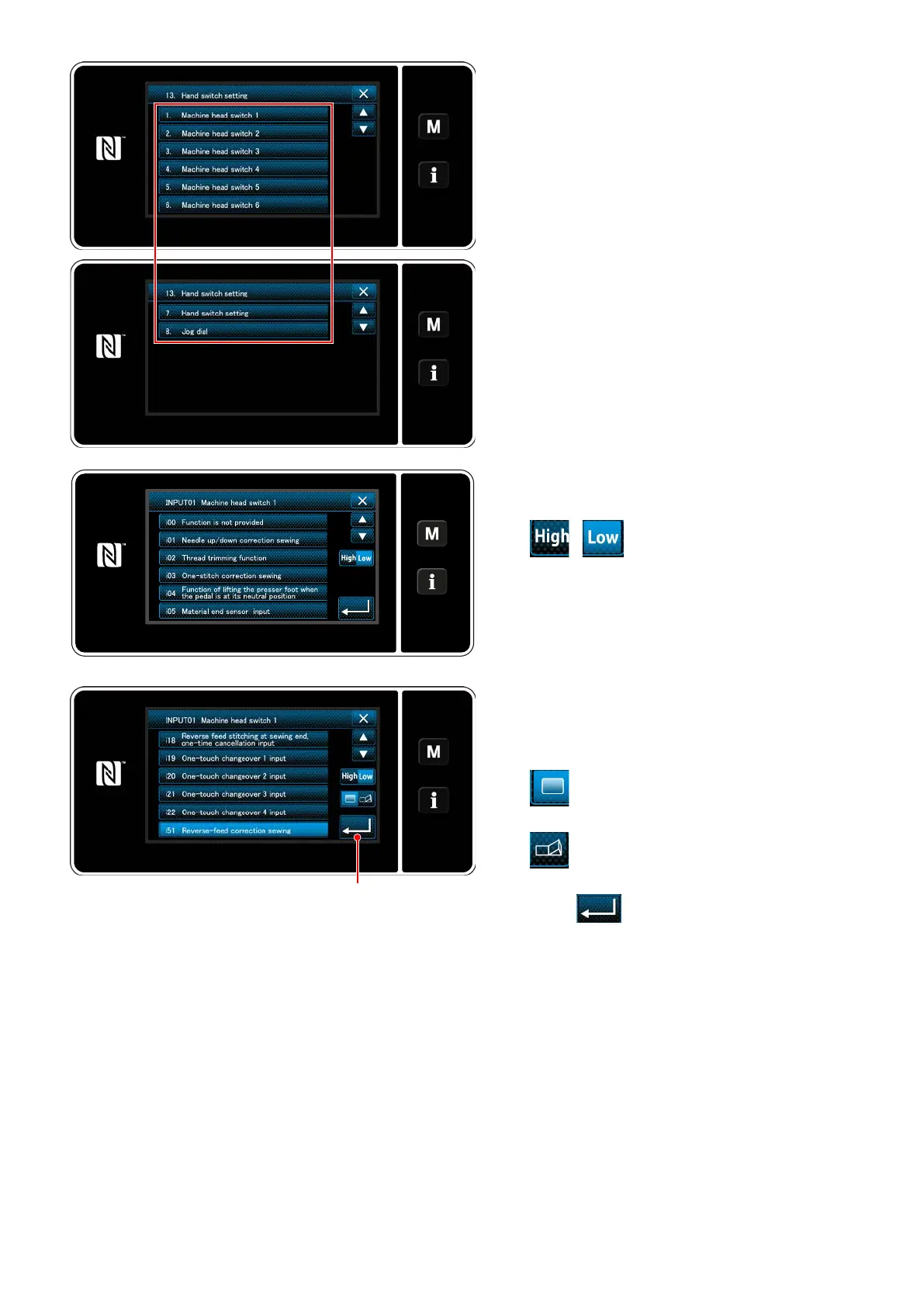
3) Select the switch to be set.
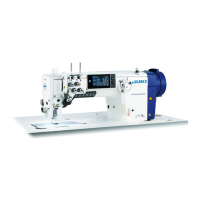
4) Select the function item to be assigned to the
switch. Then, select the input signal status (
/ ) .
❷
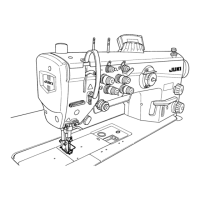
In the case the function item i51 or beyond
is selected, the operation to be carried out
when the button is pressed is set.
: Function is enabled while the button
is held pressed.
: Enable/disable of the function is
changed over by pressing the button.
5) Press
❷
.


 To Next Page