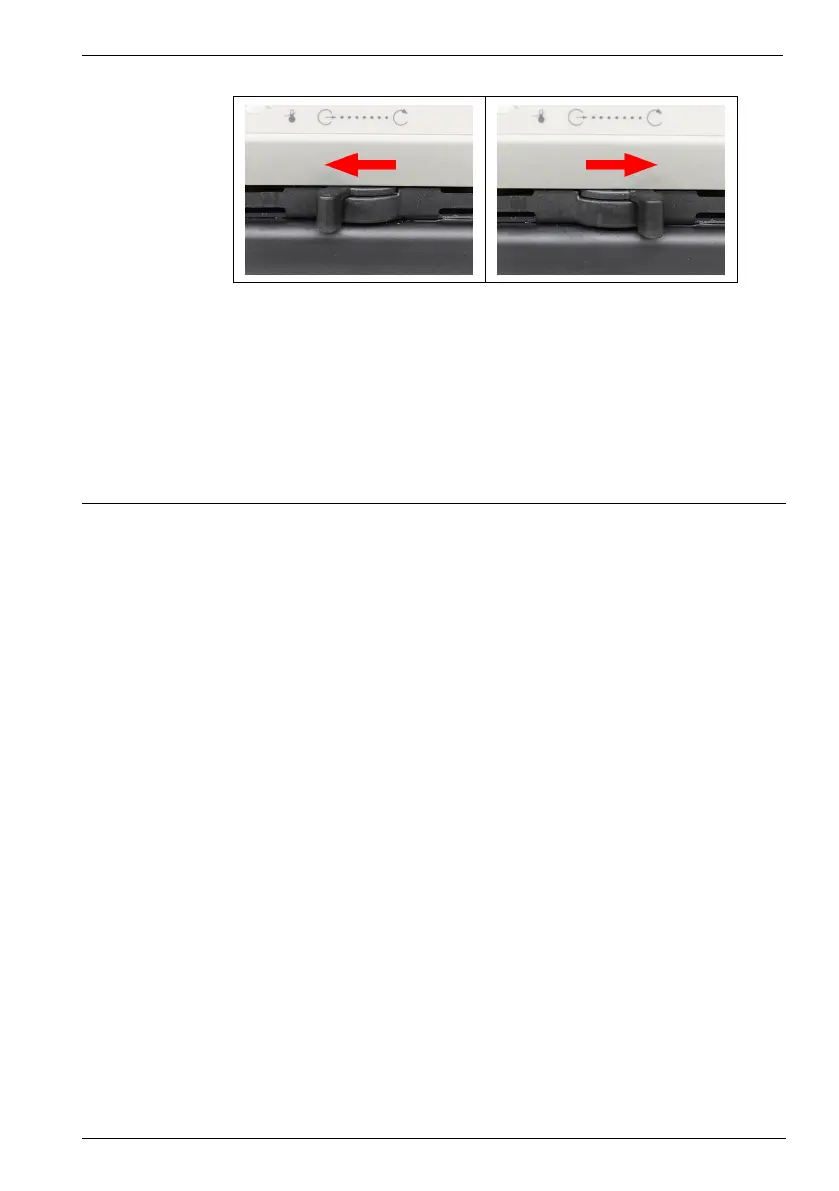
Initial operation
41
1. Set the lever to a low level for internal circulation (e.g. position 2 from the
right stop).
2. Switch on the device and check whether the flow of the bath fluid suits your
application.
3. If necessary, adjust the flow until it suits your application.
The flow of the bath fluid is set.
7.8 Set chiller mode
For a refrigerated circulator, the chiller mode is preset ex works to automatic
operation. Three different chiller modes can be selected in the operating menu:
• Automatic mode: The controller calculates the duration of the heating
process in the event of a setpoint change of more than +5°K. Based on the
calculated heating duration, the control decides whether the refrigeration
unit is to be switched off or not, depending on demand.
• Always on: The refrigeration unit is permanently switched on during
operation.
• Always off: The refrigeration unit remains switched off during operation.
The unit is switched off.
The refrigeration unit is connected.
1. Simultaneously press and hold the [Down Arrow] key and the mains
switch until the unit is switched on and chiller mode is briefly displayed.
2. To select a different chiller mode, switch the unit off and repeat the process.
The respective chiller mode is briefly displayed:
<COn> for refrigeration unit always on,
<Auto> for automatic operation or
<COFF> for refrigeration unit off.
The chiller mode is set.
B










 To Next Page