Chapter 2 Hardware Components 17
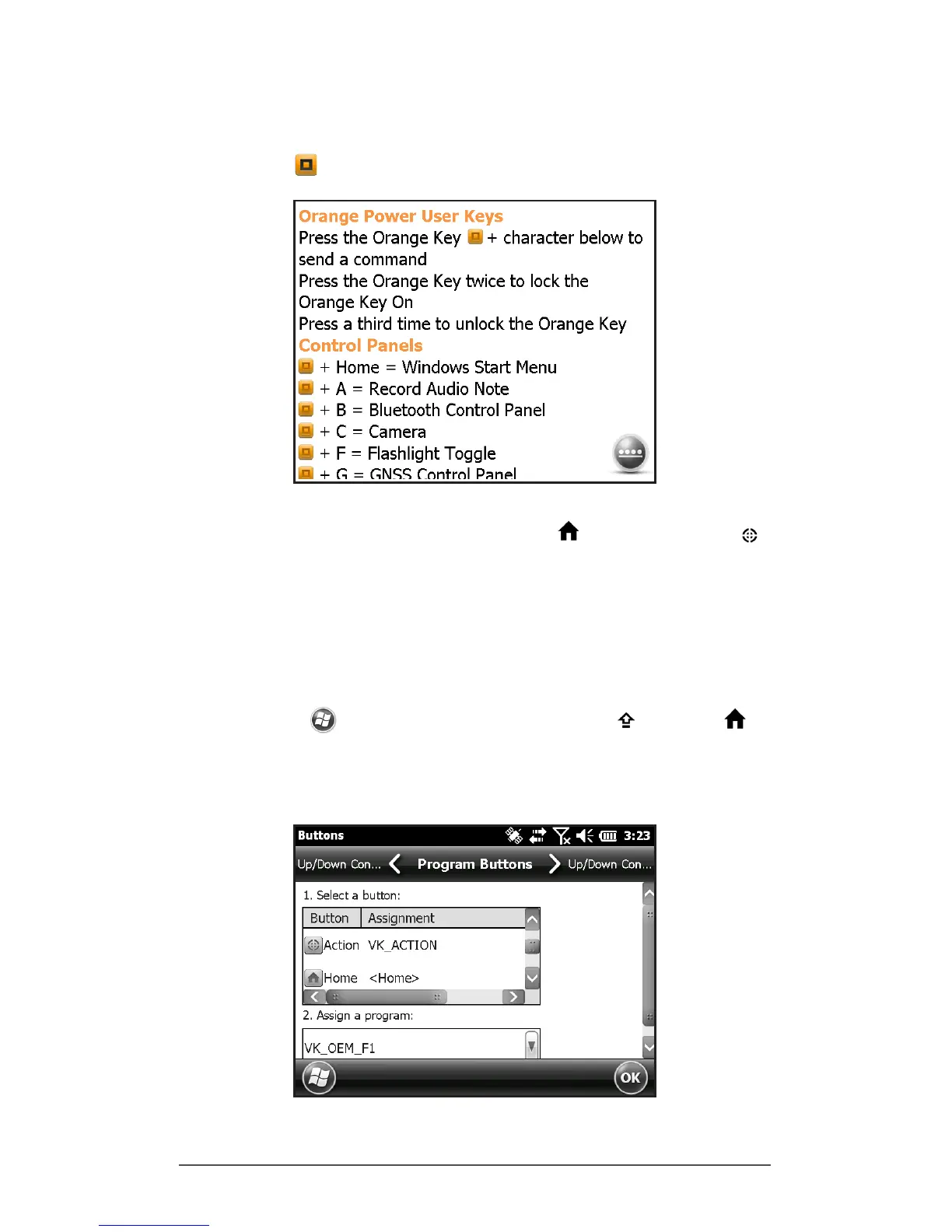
Orange Power Key Menu
To view the orange power key menu on your browser, press
the orange + F1 keys.
Programmable Keys
The F1 through F6 function keys, home key, and action
key can be set up programmatically. These keys can also be
selected to launch applications or functions from the
Buttons menu as follows:
1. To bring up the Program Buttons menu, select the
Settings icon on the Home screen, and then Personal
> Buttons. Or, go to the Start screen by selecting the
Windows soft key or pressing the shift + home
keys, then selecting Settings > Personal > Buttons. Under
1. Select a button, a list of programmable keys and their
current assignments is shown.



 To Next Page