18 Allegro 2 Rugged Handheld Owner’s Manual
2. Select the key you want to reassign.
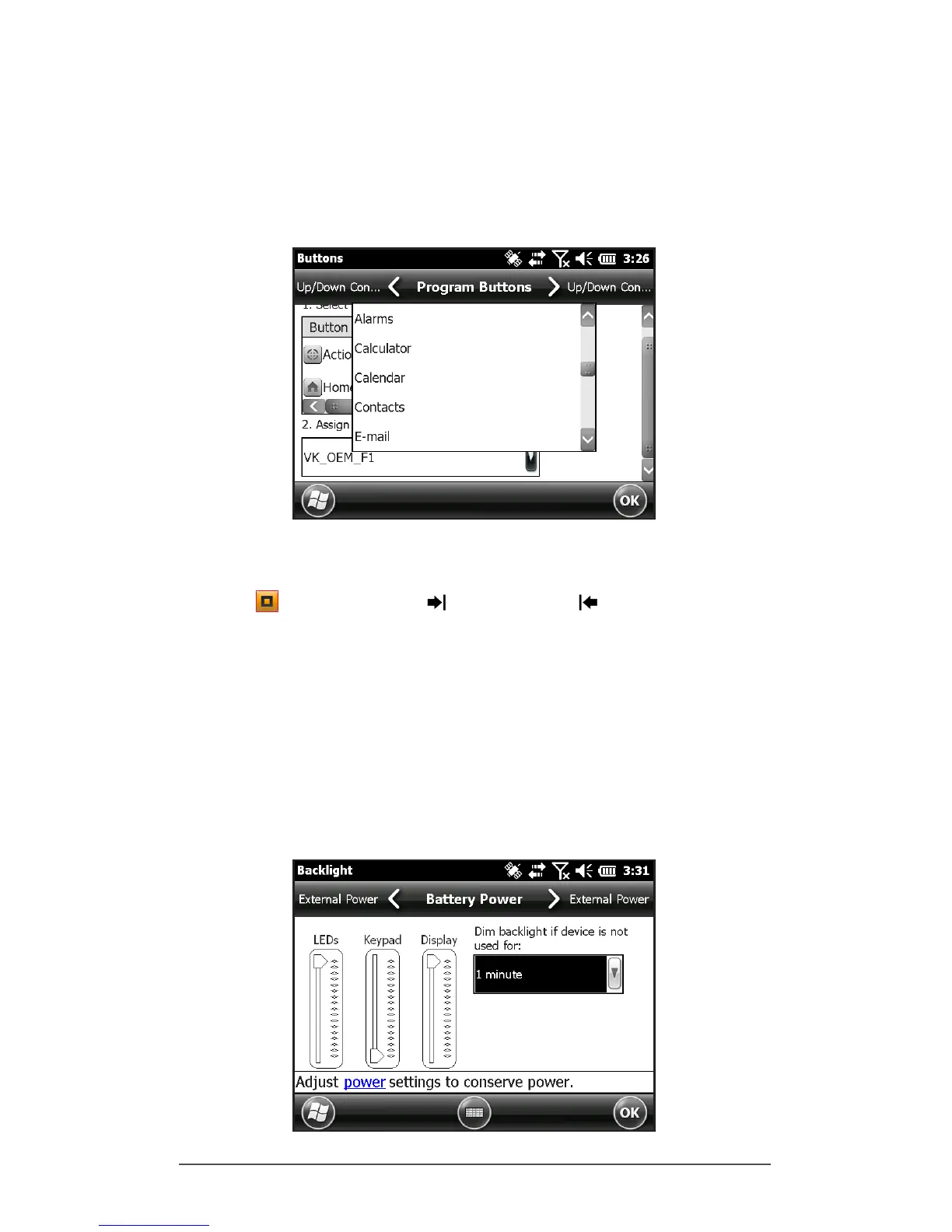
3. At the bottom of the screen under 2. Assign a program,
select the down arrow key to display a list of programs
and functions. Select the item you want to reassign to
the selected key.
Keyboard Backlight
Make keyboard brightness adjustments by pressing the
orange + forward tab or back tab keys to increase
or decrease the keyboard brightness. You can also use the
Backlight control panel located at Start > Settings > System
> Backlight. Select the External Power screen or Battery
Power screen from the horizontal menu near the top of the
screen.
Move the Keyboard slider up to brighten the backlight or
down to dim it. Dimming the keyboard backlight saves
battery power when the Allegro 2 is in use.



 To Next Page