68 Allegro 2 Rugged Handheld Owner’s Manual
Manage Waypoints and Tracks
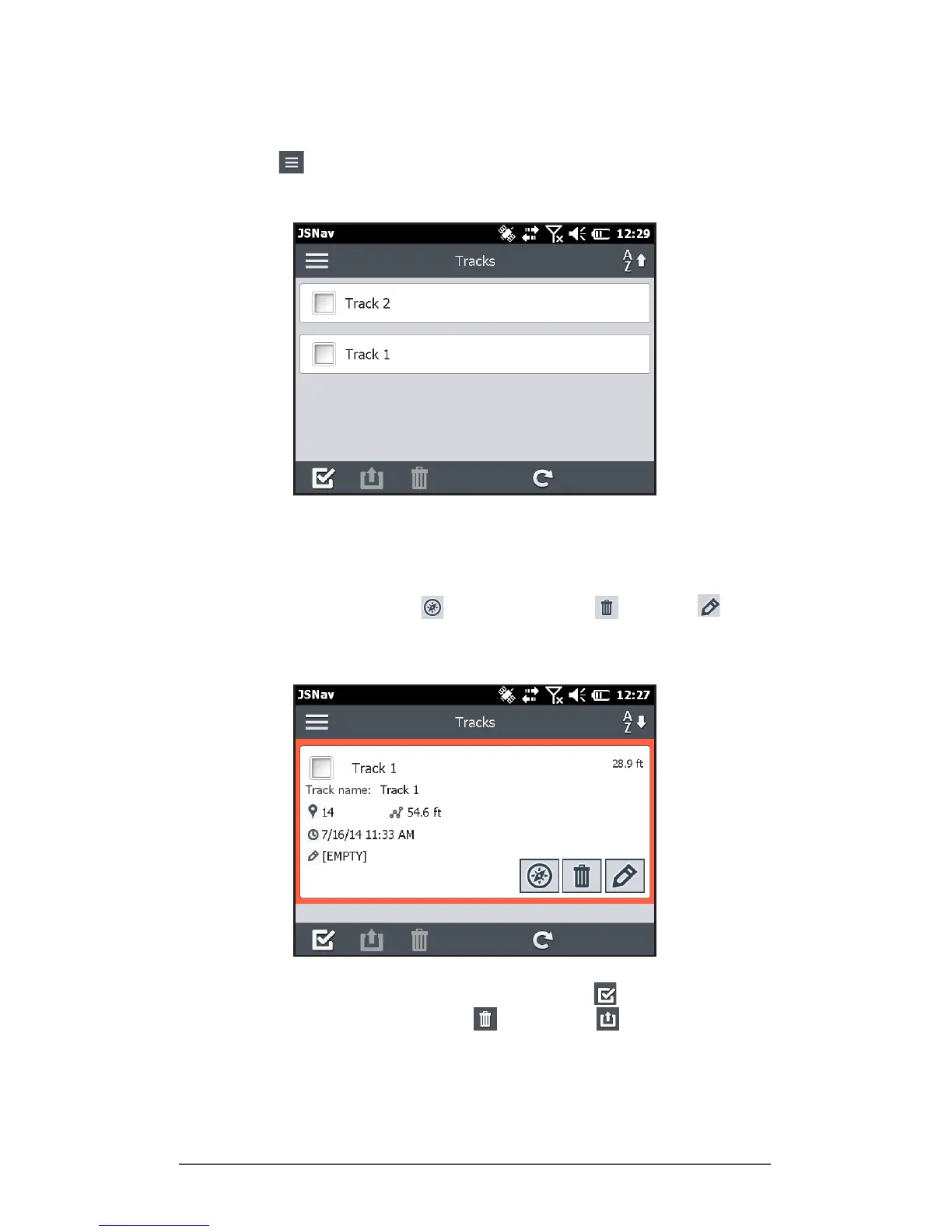
To view the waypoints and tracks you have saved, select
the menu icon, then select Waypoints or Tracks from the
menu. A list of waypoints or tracks is shown.
To open a le, select the name. You can view collected
data, select the le for exporting or deletion by selecting
the box to the left of the name, navigate back to the
waypoint or track points , delete the le , or edit the
le.
To select all of the les, tap the check box at the bottom
of the screen. You can delete or export all selected
les. Exported les are placed into a directory called
Exports inside of your \My Documents folder.



 To Next Page