(Connued)
If you want to Then
Get hands-on experience with the
procedures covered in this guide
Visit Juniper Networks Virtual Labs and reserve your free
sandbox. You’ll nd the Junos Day One Experience sandbox in the
stand alone category. EX switches are not virtualized. In the
demonstraon, focus on the virtual QFX device. Both the EX and
QFX switches are congured with the same Junos commands.
General
Informaon
If you want to Then
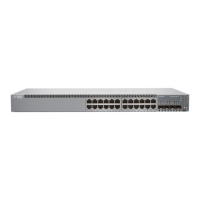
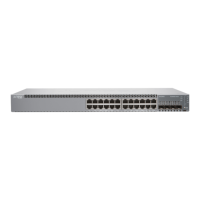
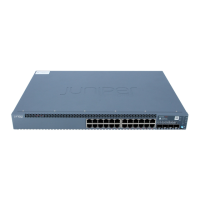
See all documentaon available for the EX2300 routers Visit the EX2300 page in the Juniper Tech Library
Find more in-depth informaon about installing and
maintaining your EX2300 switch
Browse through the EX2300 Switch Hardware Guide
Stay up-to-date on new and changed features and
known and resolved issues
See Junos OS Release Notes
Manage soware upgrades on your EX Series switch See Installing Soware on EX Series Switches
Learn With Videos
Our video library connues to grow! We’ve created many, many videos that demonstrate how to do
everything from install your hardware to congure advanced Junos OS network features. Here are some
great video and training resources that will help you expand your knowledge of Junos OS.
12



 To Next Page