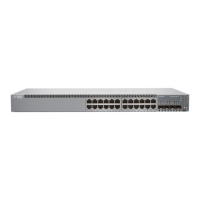
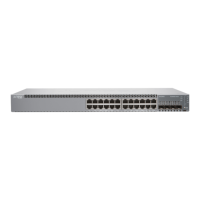
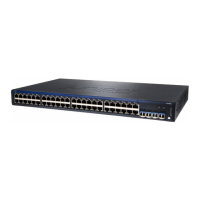
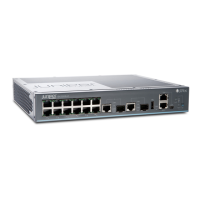
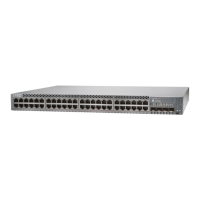
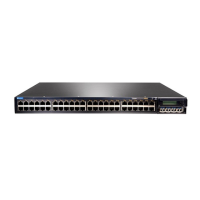
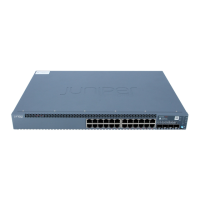
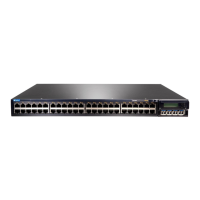
Install the EX2300 in a Rack
IN THIS SECTION
What’s in the Box? | 3
What Else Do I Need? | 3
You can install the EX2300 switch on a desk or table, on a wall, or in a two-post or four-post rack. The
accessory kit that ships in the box has the brackets you need to install the EX2300 switch in a two-post
rack. We’ll walk you through how to do that.
NOTE: If you want to mount the switch on the wall or in a four-post rack, you’ll need to order a
wall mount or rack mount kit. The four-post rack mount kit also has brackets for mounng the
EX2300 switch in a recessed posion in the rack.
What’s in the Box?
• An AC power cord appropriate for your geographical locaon
• Two mounng brackets and eight mounng screws
• Power cord retainer clip
What Else Do I Need?
• An electrostac discharge (ESD) grounding strap
• Someone to help you secure the router to the rack
• Mounng screws to secure the EX2300 to the rack
• Number two Phillips (+) screwdriver
• Serial-to-USB adapter (if your laptop doesn’t have a serial port)
• An Ethernet cable with RJ-45 connectors aached and an RJ-45 to DB-9 serial port adapter
3



 To Next Page