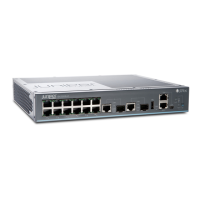
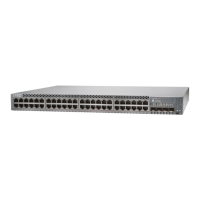
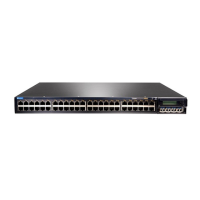
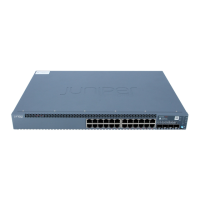
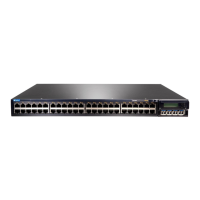
5. While you’re holding the EX2300 switch in place, have someone insert and ghten the rack mount
screws to secure the mounng brackets to the rack rails. Make sure to ghten the screws in the two
boom holes rst and then ghten the screws in the two top holes.
6. Check that the mounng brackets on each side of the rack are lined up with each other.
Power On
Now you’re ready to connect the EX2300 switch to a dedicated AC power source. The switch comes
with the AC power cord for your geographic locaon.
Here’s how to connect an EX2300 switch to AC power:
1. On the rear panel, connect the power cord retainer clip to the AC power supply:
NOTE: The EX2300-24-MP and the EX2300-48-MP switches don’t need a power cord
retainer clip. You can simply plug in the power cord to the AC power socket on the switch and
then skip to step 5.
a. Squeeze the two sides of the power cord retainer clip.
5



 To Next Page