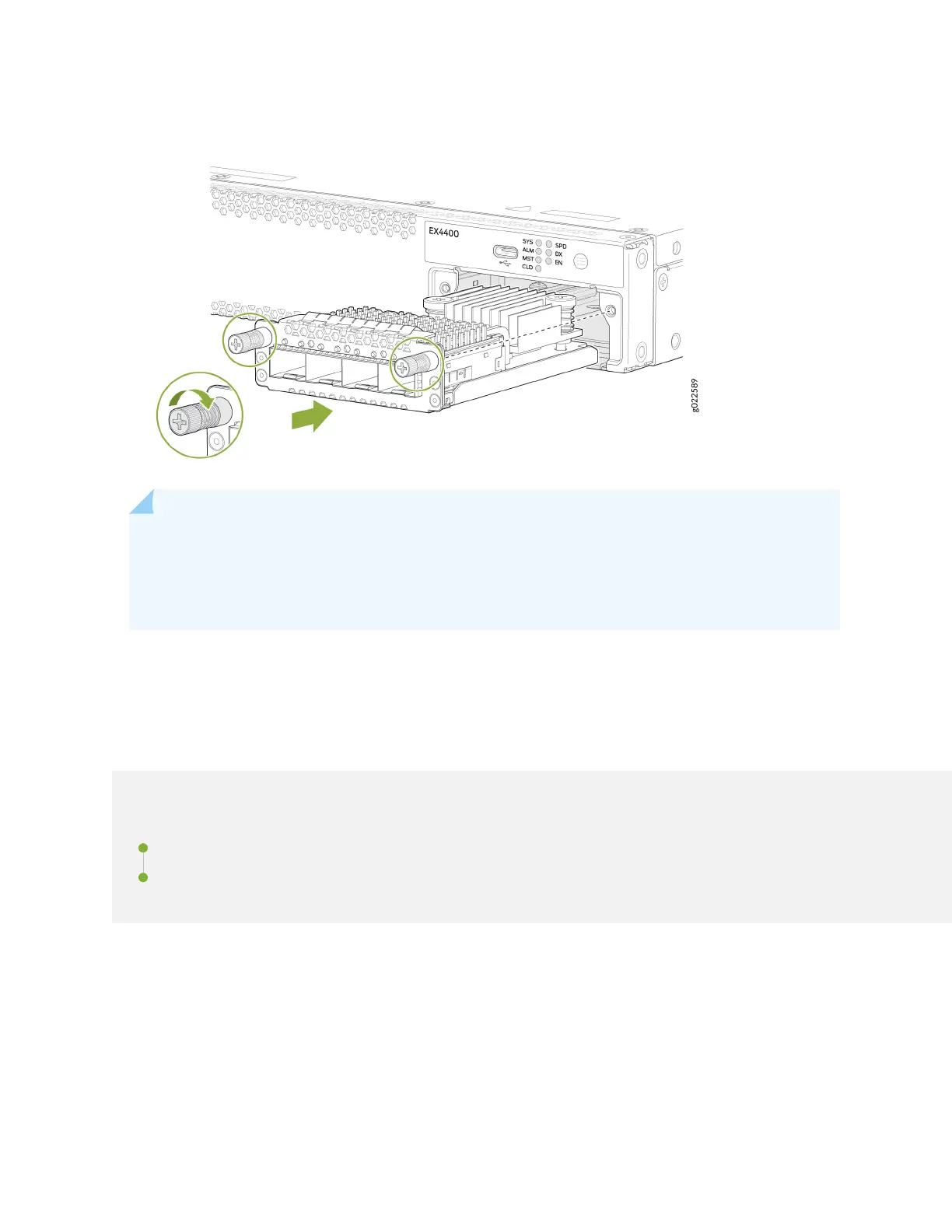
Figure 122: Install a 4x25GbE SFP28 Extension Module in the EX4400 Switch
NOTE: If you have a Juniper J-Care service contract, register any addion, change, or upgrade of
hardware components at hps://www.juniper.net/customers/support/tools/updateinstallbase/ .
Failure to do so can result in signicant delays if you need replacement parts. This note does not
apply if you replace exisng components with the same type of component.
Maintain Transceivers
IN THIS SECTION
Remove a Transceiver | 212
Install a Transceiver | 214
211














 To Next Page