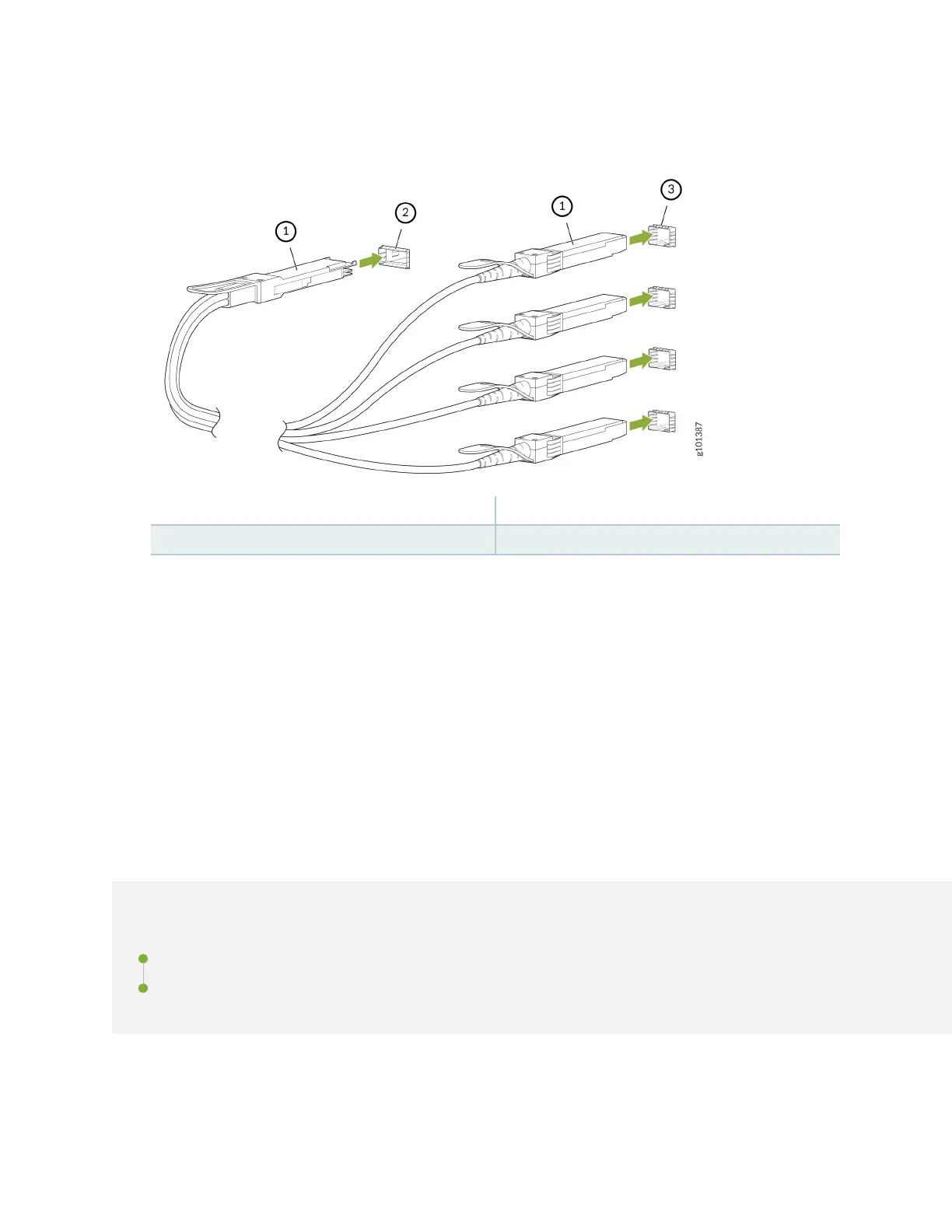
Figure 127: Connect a Breakout Cable
1— Transceiver 3— Ports at the other end
2— Channelized port on a device
6. Repeat Step 5 for all ports to which the cable must be connected.
7. Secure the cable so that it does not support its own weight as it hangs to the oor. If there is a cable
management system, arrange the cable in the cable management system to prevent the cable from
dislodging or developing stress points. Place excess cable out of the way in a neatly coiled loop in the
cable management system. Placing fasteners on the loop helps to maintain its shape.
The procedure to connect other types of breakout cables is the same as the procedure described in this
topic.
Maintain Direct Aach Cables
IN THIS SECTION
Disconnect a Direct Aach Cable | 226
Connect a Direct Aach Cable | 228
A direct aach cable has a transceiver preaached to each end.
225














 To Next Page