CHAPTER 5
Logging In
•
Logging In to the Junos Space User Interface as Super Administrator on page 39
Logging In to the Junos Space User Interface as Super Administrator
You connect to a Junos Space appliance from your Web browser. Internet Explorer version
7 and Mozilla Firefox version 3.0 or later Web browsers are supported.
NOTE: Before you can log into the system, your browser must have the Flash
10 plug-in installed.
To access and log in to an appliance, follow these steps:
1. In the address field of your browser window, type the URL of your appliance, for
example:
https://<1.1.1.1>/mainui/
Where <1.1.1.1> is the Web (virtual) IP address for access to Junos Space.
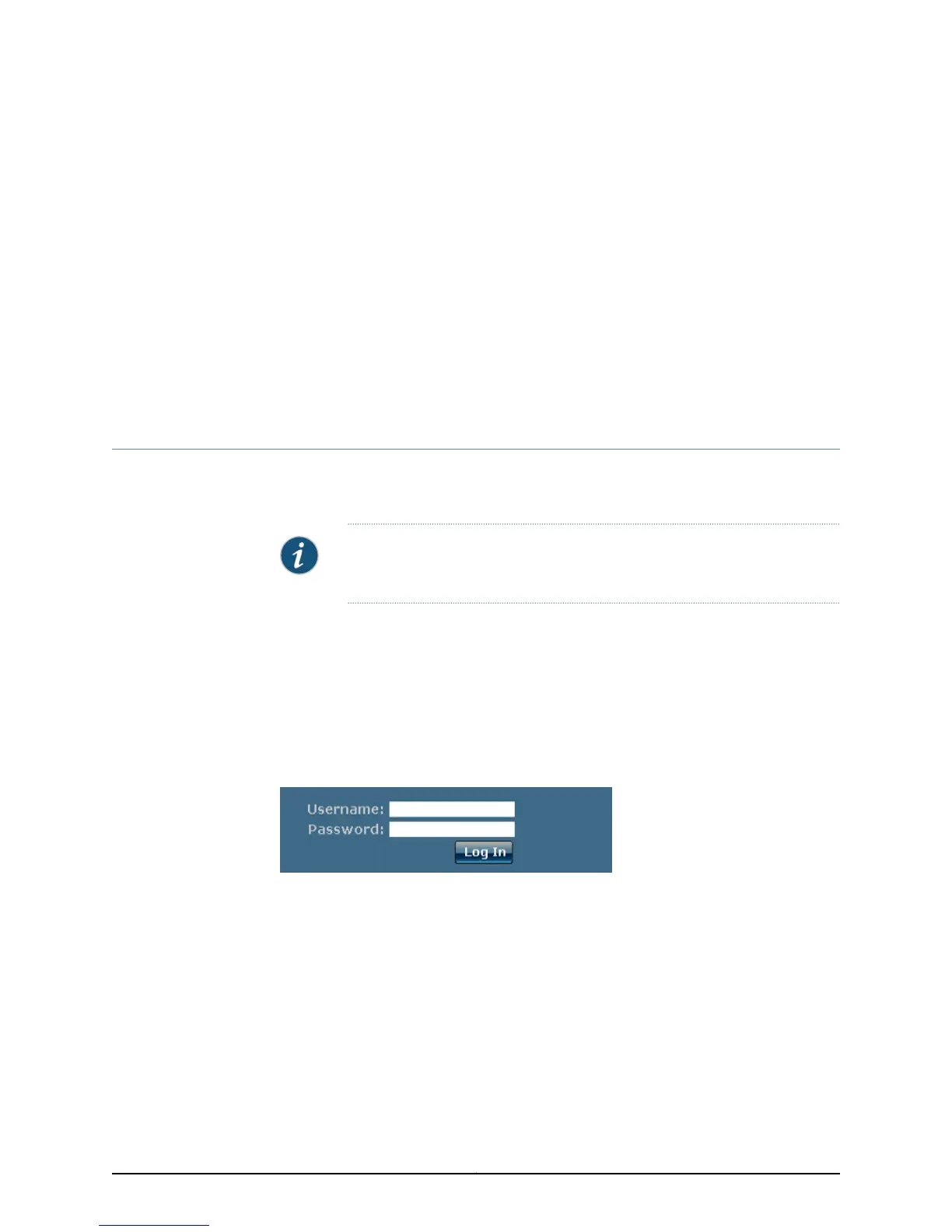
2. Press Enter. The Junos Space log in screen is displayed.
3. Type your username and password. The default username is super; the password is
juniper123. See Changing User Passwords for information about how to change your
user password.
You can now use the Junos Space user interface to add users, add nodes to the fabric,
discover devices, provision services, and so forth.
39Copyright © 2010, Juniper Networks, Inc.



 To Next Page