132 Mesa Rugged Notepad Owner’s Manual
Releasing the Mesa from the Mobile Dock
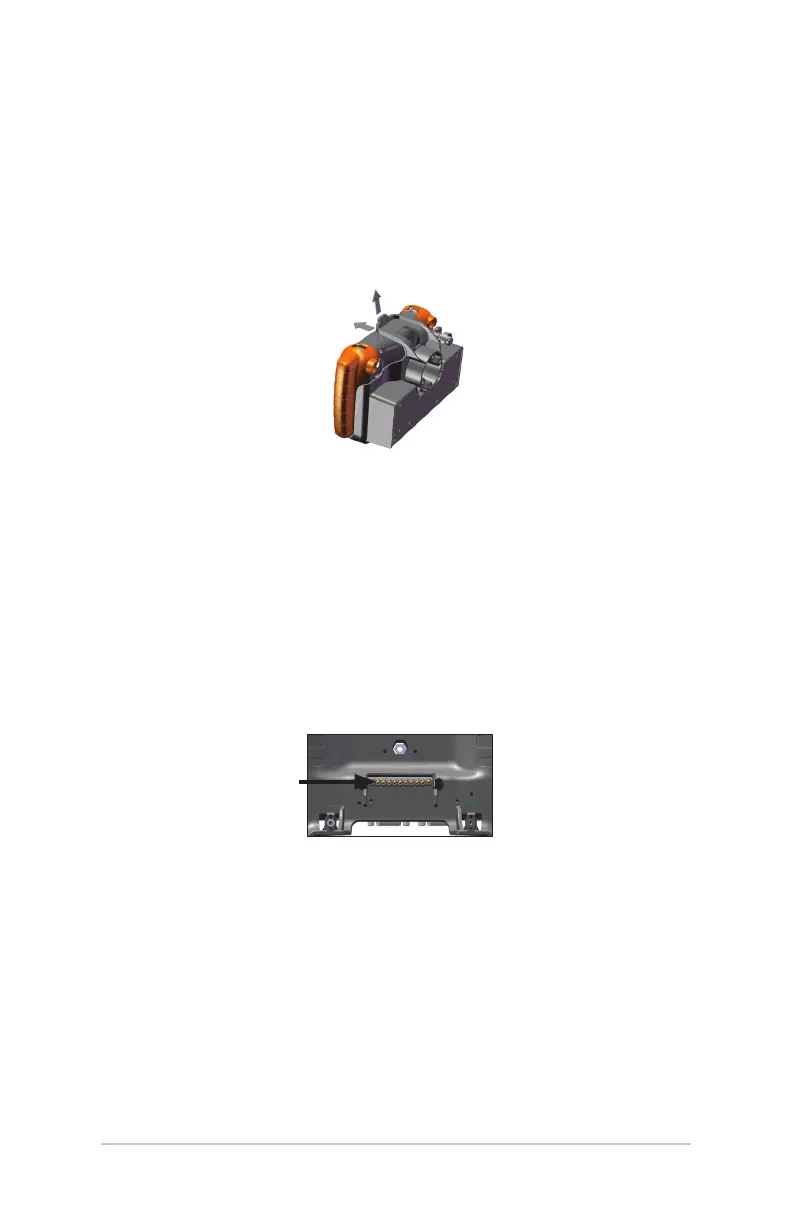
To release the Mesa from the mobile dock, li up on the top
latch. Pull the Mesa forward and remove it.
Note: Loosen the security bolt if the mobile dock is being used in a
vehicle.
Maintenance
Environmental Issues
The mobile dock sheds water when used in its normal
conguration, but is not sealed against water. Avoid using the
dock in situations where water can enter the connector ports.
Protecting the Docking Pins
Do not touch the docking pins (spring loaded contacts) with
conductive items when power is plugged into the dock. Do not
drop items on the dock that can damage the pins.
Keep debris o of the docking pins and the connectors to
maintain the best performance.



 To Next Page