46 Mesa Rugged Notepad Owner’s Manual
If the Bluetooth gadget is not on your Home screen, you can get
to the desired control panel by selecting Geing Started and
either Set up a Bluetooth device or Set up a Bluetooth COM Port.
You can also go to Start > Seings > Connections.
Note: If the Bluetooth radio is turned on and then the Mesa is
suspended, wireless Bluetooth turns o to save baery power. When
the Mesa resumes (turns on), the radio turns on automatically.
Microsoft Bluetooth Control Panel
To create a partnership between the Mesa and another device
such as headphones, keyboards, and modems, follow these
steps:
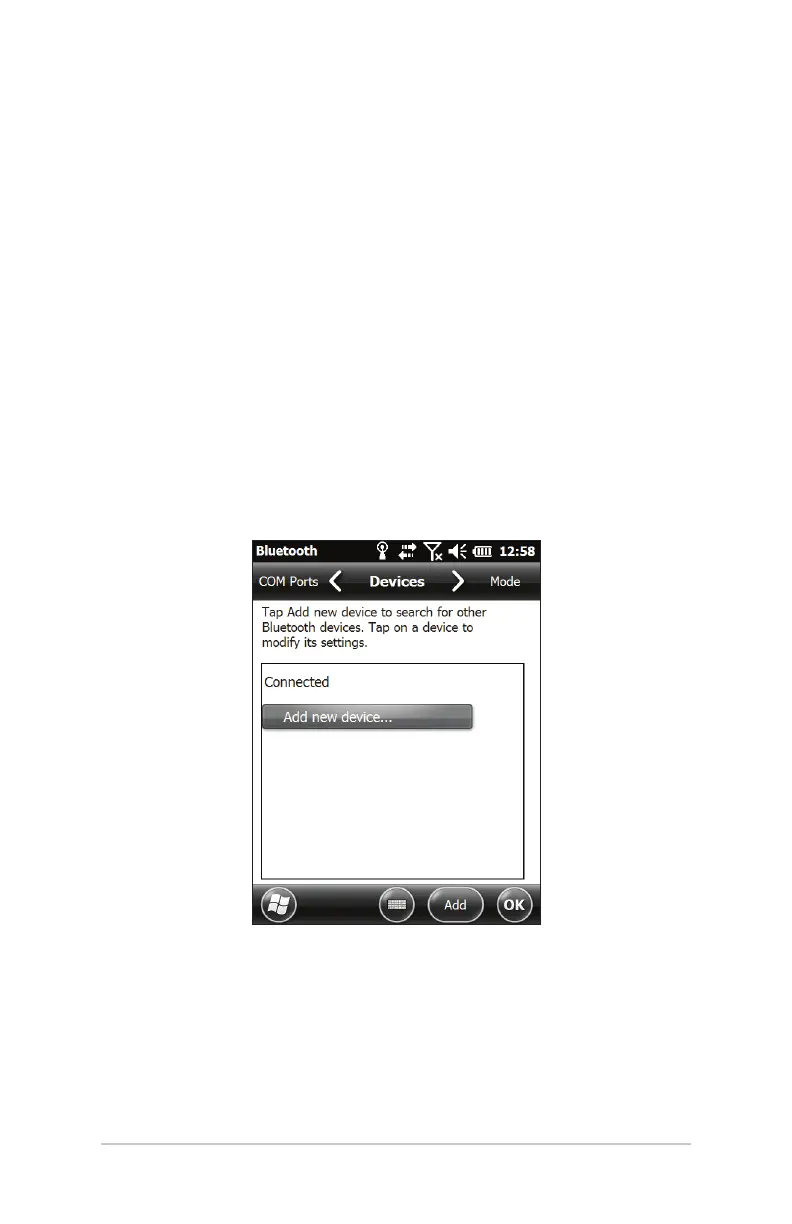
1. Select the Headphones, Modem, Keyboard option. The
following Bluetooth control panel, Devices screen is shown:
2. Tap Add New Device. The Mesa searches for other devices
with wireless Bluetooth technology and displays them in a
list. Select the device you want to connect to and tap Next.



 To Next Page