20 Mesa Rugged Notepad Owner’s Manual
The display has a minimum brightness seing that it dims
to when the Mesa is not in use. Power is conserved, yet the
display is still partially visible. Adjust the dim time interval
and seing as needed. To use the Mesa, tap on the display to
bring the display backlight back up to the brightness seing.
Note: The Mesa can be set up in subdued lighting (tactical) mode.
Refer to Chapter 3 for instructions.
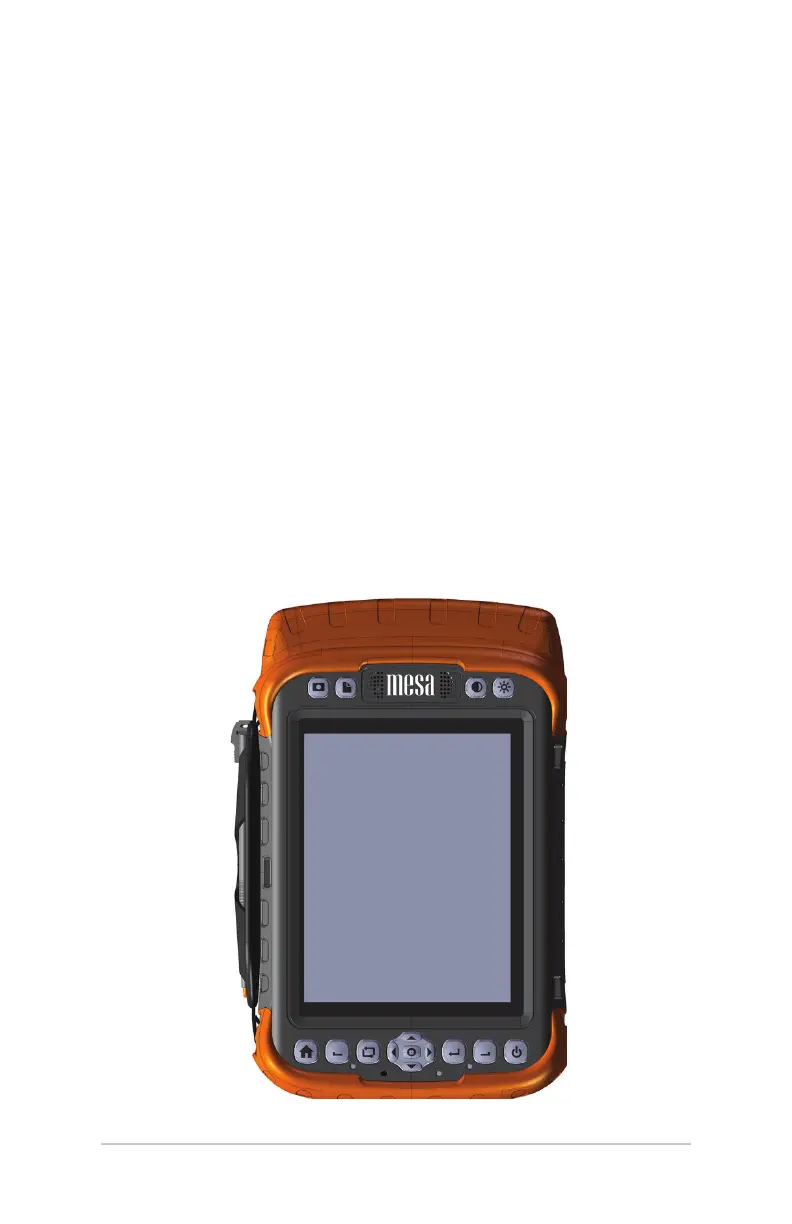
Keypad Features
The Mesa has een buons with symbols indicating their
functions as shown below. Features include:
Top row: four function buons
Boom row: eleven navigation buons
Six reassignable buon functions
Buons are sealed and backlight illuminated



 To Next Page