28 Mesa Rugged Notepad Owner’s Manual
Audio Features
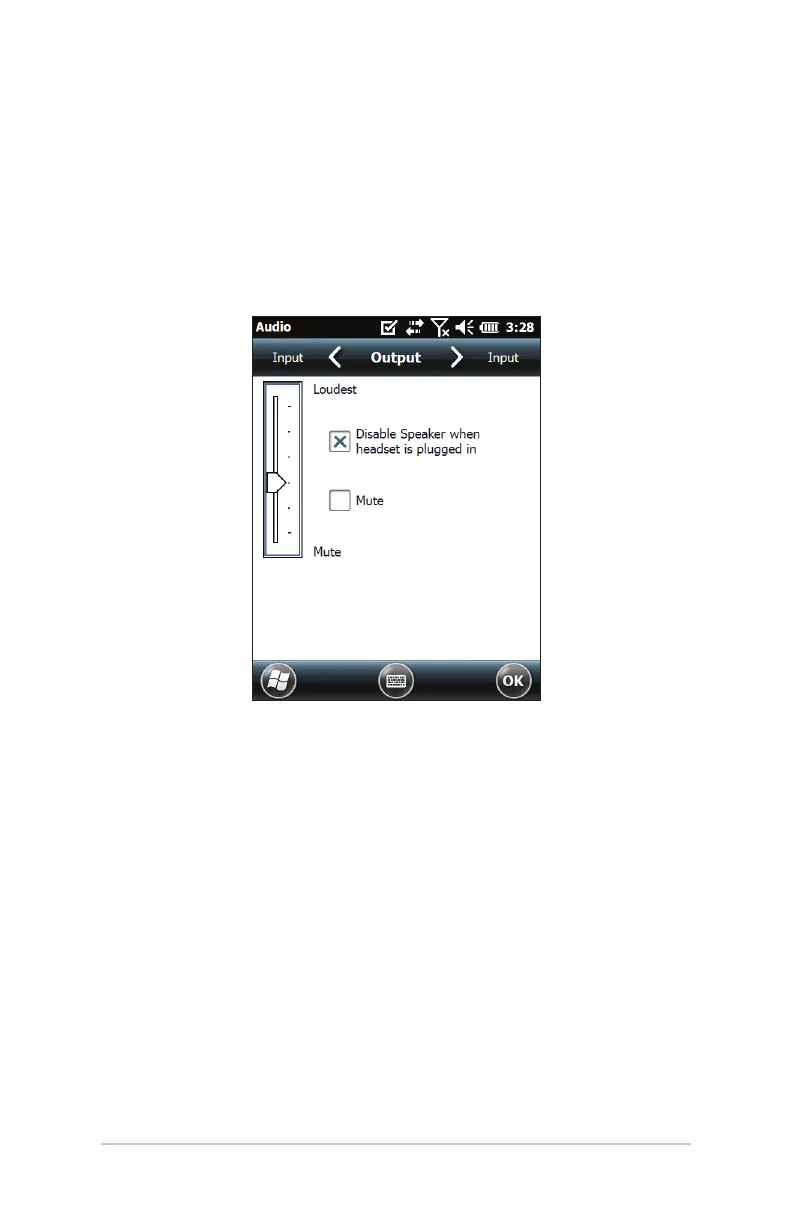
The Mesa has a speaker, microphone, and audio jack. To adjust
audio seings, select the top title bar, then the speaker icon
from the horizontal-scrolling list that appears. You can also
go to Start > Seings > System > Audio. The Audio control panel
appears.
Speaker
The speaker sound is loud and clear. Listen to audio notes,
video sound, and music les.
Microphone
Use the microphone to record audio notes or add sound to a
video when using the camera function (Geo units).
Audio Jack
The audio jack supports a stereo headset or headset/
microphone combination with 3.5mm connections. The
onboard speaker and microphone can be disabled when a
headset is plugged in.



 To Next Page