Ch 8 Barcode Scanner 73
5. Adjust the Mesa hand strap as needed. When you are
scanning, you might want to tighten the strap on your
hand to make it easier to use.
6. Hold the Mesa as shown in the preceding photograph.
Press the scan buon to begin scanning. (The notes
buon is the default scan buon. It can be changed during
setup.) Using the red crosshairs, aim the scanner at the
barcode you are scanning.
Note: While initiating a scan, do not obstruct the scan window
with a nger, glove, dust, moisture, etc. as it could aect the
performance of the barcode scanner.
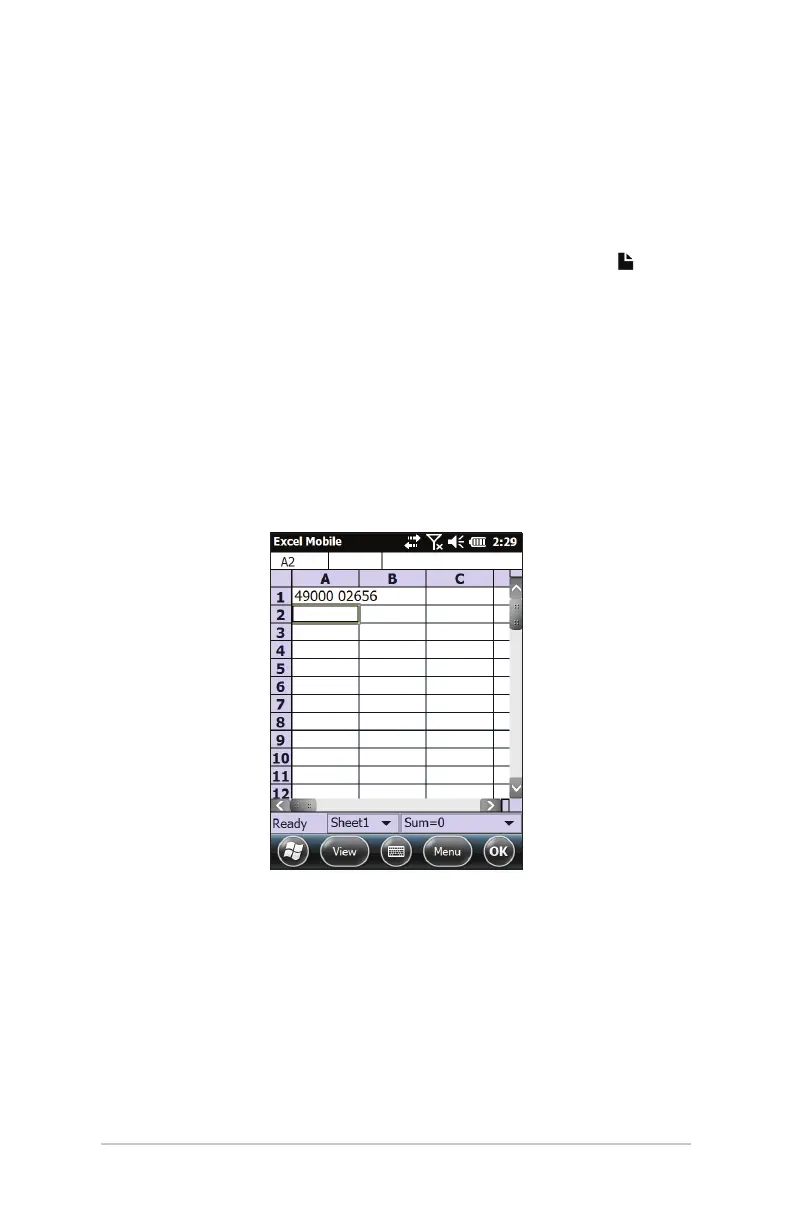
7. When the scanner decodes the barcode, the data is placed
in your document where the cursor is placed. (With Excel,
press enter to see data in the selected column).
8. Repeat steps 6 and 7 for subsequent barcodes.



 To Next Page