Ch 8 Barcode Scanner 83
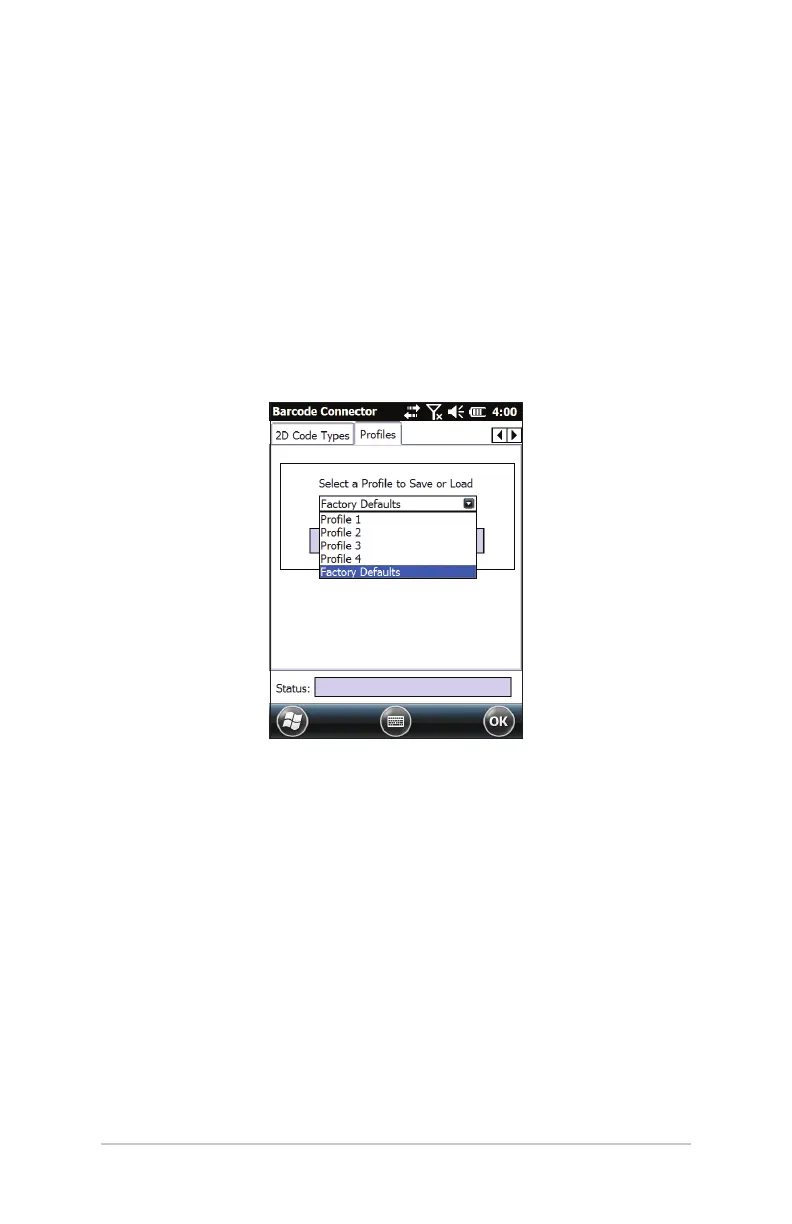
The Proles tab has the following functions:
Select a Prole to Save or Load - A prole is a saved set of
seings. To load a prole, select the prole from the drop-
down list and select Load.
Note: When a seing is changed a hidden prole (called “last
user”) is updated. When this utility is launched, it loads the
seings from the last user prole.
Up to four proles with dierent seings can be saved.
To save a new prole, congure the seings previously
discussed, come to this tab, select the prole name you want
to use, and select Save.
Note: Any changes to seings aer a prole is loaded will not
automatically get saved out to the prole, but will get saved out to
“last user.”



 To Next Page