Chapter 1 Overview
2 User’s Guide
PORT AND POWER CONNECTORS
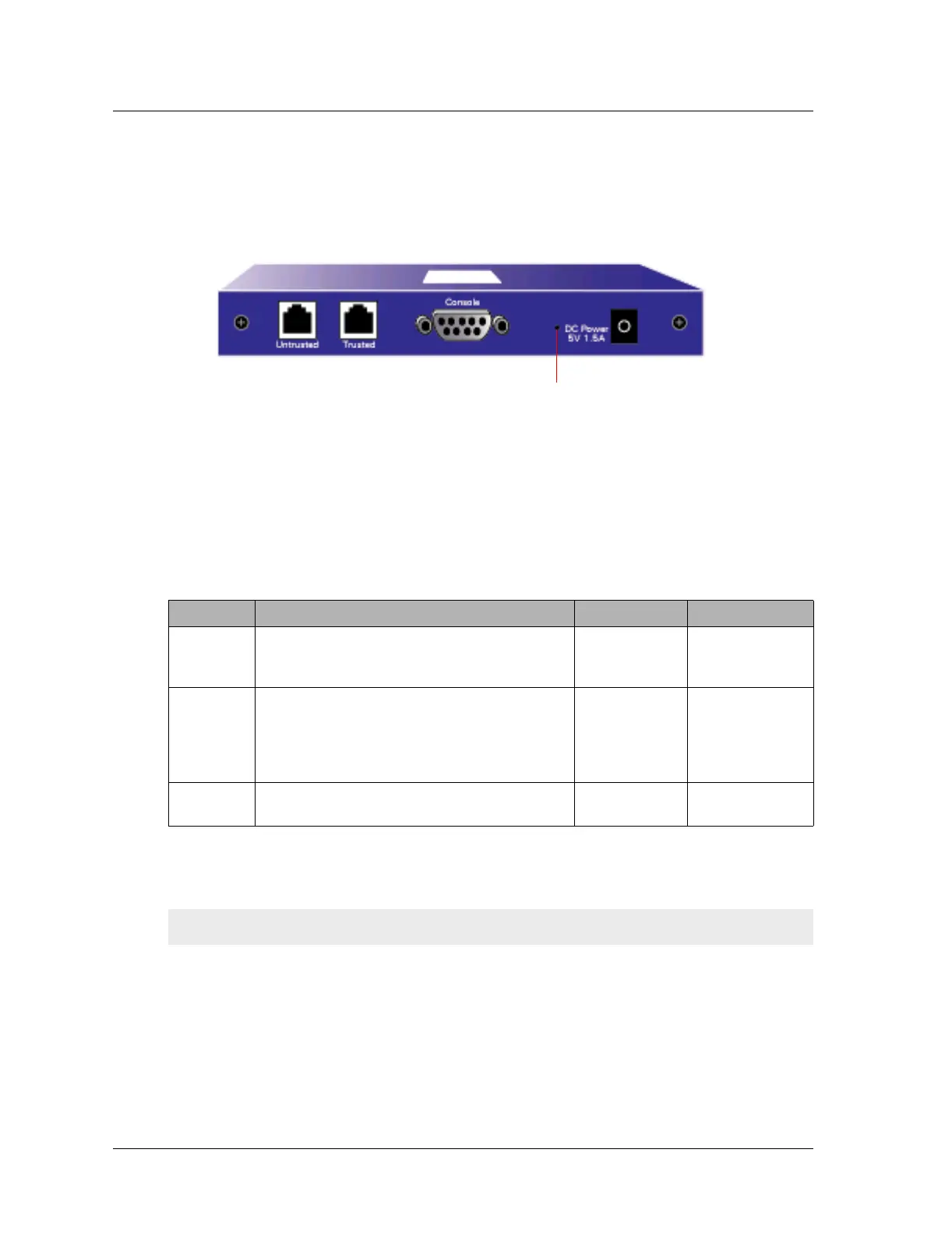
The rear panel of the NetScreen-5XP device contains port and power connectors.
The NetScreen-5XP device includes the following ports:
• A Console port, for connecting to serial terminal emulation programs such as
HyperTerminal.
• A Trusted interface, for connecting the device to an internal switch or hub or
directly to your computer.
• An Untrusted interface, for connecting the device to your external router, DSL
modem, or cable modem.
The following table describes the ports on the device:
The NetScreen-5XP device runs at 5V DC and maximum power consumption is 5 watts.
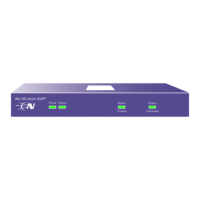
When properly connected to an AC power source, the power LED on the front panel glows
solid green. When power fails, the power LED turns off.
Port Description Connector Type Speed/Protocol
Console Enables a serial connection to establish terminal
sessions with the system. Used for launching
Command Line Interface (CLI) sessions.
DB-9 9600 bps
RS-232
Trusted Enables a direct connection to your workstation or
a LAN connection through a switch or hub. This
connection also allows you to manage the device
through a Telnet session or the WebUI
management application.
RJ-45 10 Mbps
Ethernet
Untrusted Enables an Internet connection through an
external router, DSL modem, or cable modem.
RJ-45 10 Mbps/
Ethernet
Important: We recommend using a surge protector for the power connection.
Asset Recovery Pinhole












 To Next Page