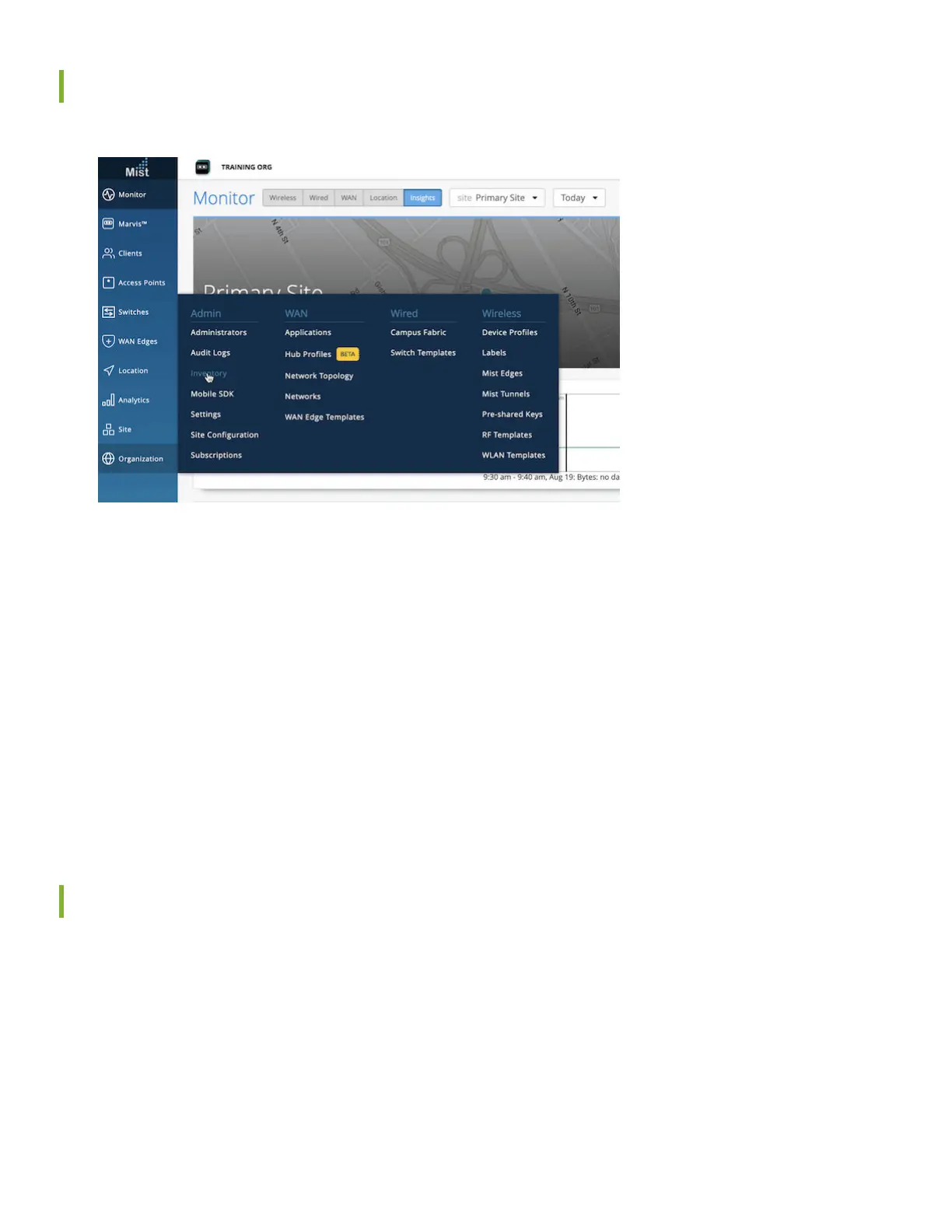
Enter the Mist Claim Code
1. Log in to your Mist organizaon's dashboard.
2. Navigate to your organizaon's inventory, and select the WAN tab at the top.
3. Select the Claim WAN Edges buon in the upper right of the inventory screen.
4. Add the claim code into the list of devices to claim.
5. Clear the Assign claimed WAN edges to site check box. This places the SSR into inventory, to be assigned to a site
later.
6. Click the Claim buon to claim the SSR into your inventory.
Onboarding Complete!
Fantasc, the SSR130 is in your inventory! To provision the SSR130 with ZTP, log in to Mist and connue with WAN
conguraon.
Add the Network
To begin your WAN design, idenfy the network the SSR will use to access applicaons over a LAN network segment.
4












 To Next Page