When “Picture Mode” is set to “HDR10+”
Setting Description
High
Displays the tone map when the overall brightness is configured to the high level.
This is suited for large-sized screens.
Mid
Displays the tone map when the overall brightness is configured to the medium
level. This is suited for medium-sized screens.
Low
Displays the tone map when the overall brightness is configured to the low level.
This is suited for small-sized screens.
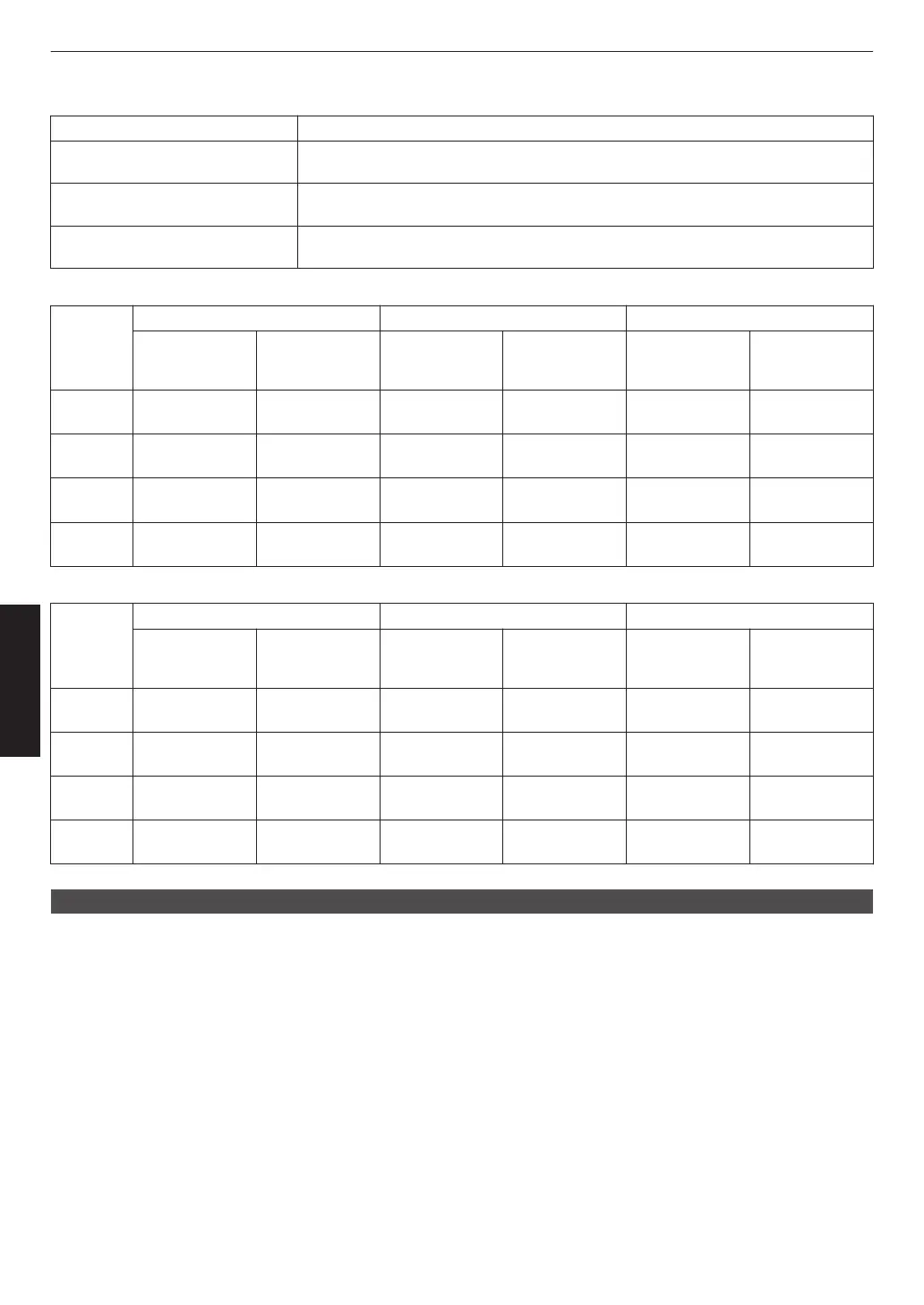
To enjoy HDR10+ content when the Picture Mode is “HDR10+”, the following installation conditions are recommended.
HDR Level: High HDR Level: Medium HDR Level: Low
Screen Size
Diagonal
(Model)
Projection
Distance
(m)
Screen Size
Diagonal
(Model)
Projection
Distance
(m)
Screen Size
Diagonal
(Model)
Projection
Distance
(m)
x
5
116 3.63 99 3.31 86 2.67
y
6
113 3.48 97 2.98 84 2.60
z
7
109 3.43 93 2.92 80 2.50
4
8
88 2.81 75 2.39 65 2.02
HDR Level: High HDR Level: Medium HDR Level: Low
Screen Size
Diagonal
(Model)
Projection
Distance
(inch)
Screen Size
Diagonal
(Model)
Projection
Distance
(inch)
Screen Size
Diagonal
(Model)
Projection
Distance
(inch)
x
5
116 143 99 130 86 105
y
6
113 137 97 117 84 102
z
7
109 135 93 115 80 98
4
8
88 111 75 94 65 80
Mapping Level
For configuring the base brightness during auto correction when Gamma/Tone Mapping is configured to “HDR(Auto)”.
0
The
auto
correction feature of “HDR(Auto)” is configured based on a 100" screen with a gain of 1.0 in total darkness.
0
Adjust it in the positive direction if there is insufficient brightness in the viewing environment, and in the negative
direction if it is too bright.
*1 This option does not appear in the menu when “Content Type” is configured to “SDR”.
*2
This option does not appear in the menu when “Picture Mode” is configured to “Frame Adapt HDR”/“HDR10+”.
*3
When “Picture Mode” is configured to “Pana_PQ”“HLG”, “Mapping Level” is fixed at “0”.
*4 When “Picture Mode” is configured to “HDR10”“User 4 to User 6”, this option is enabled only when “Correction
Value” is configured to “HDR(Auto)” with “Tone Mapping” configured to “HDR(Auto)” or “Custom 1 to Custom 3”.
In all other settings, “Mapping Level” is fixed at “0”.
0
Setting range: -5 to 5
72
Adjust/Set



 To Next Page
 Loading...







