Mask
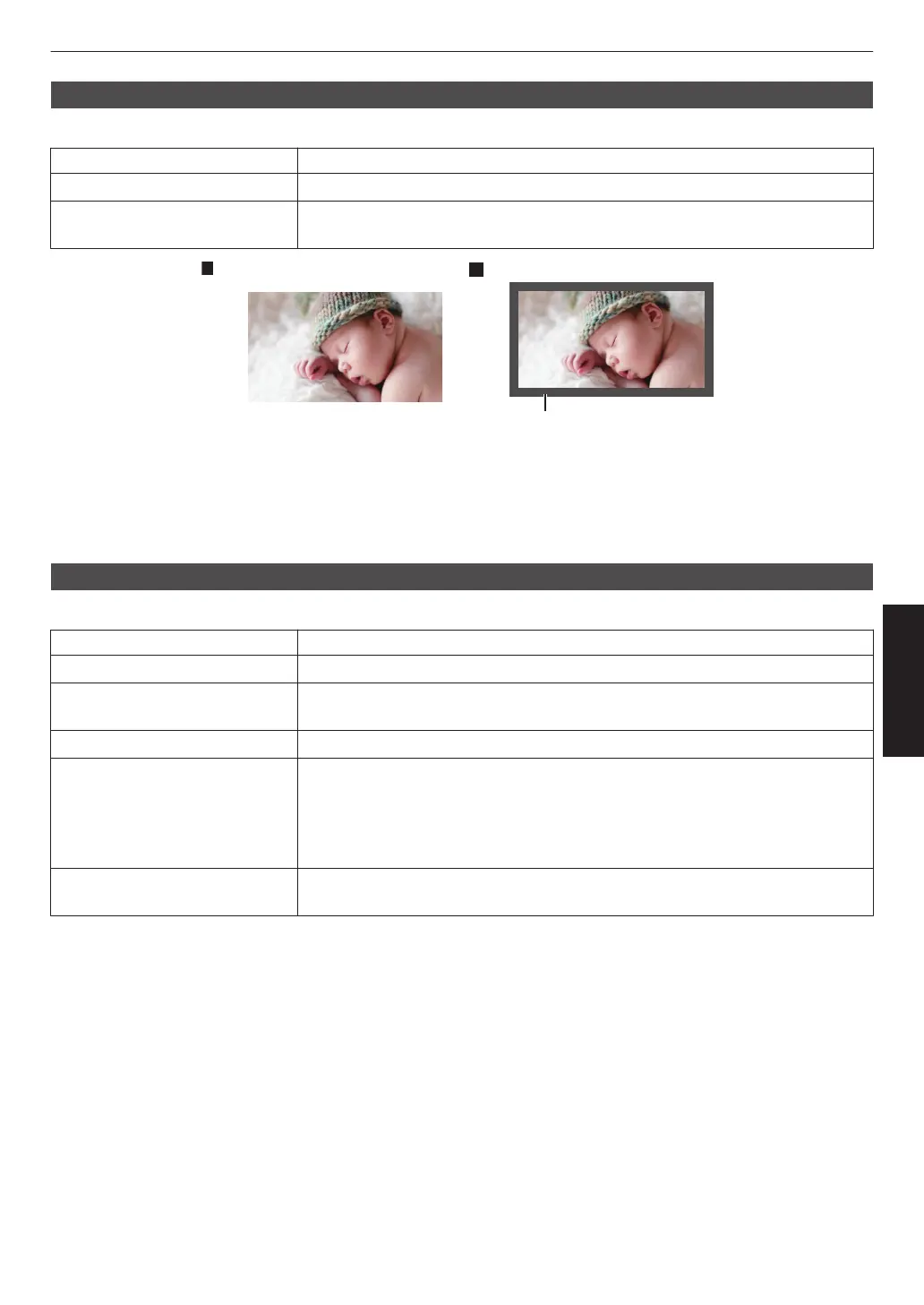
For hiding the peripheral area of the image with a mask (black strip).
Setting Description
Off Not masked.
On Hides the ranges specified in “Top”, “Bottom”, “Left” and “Right” by masking (with
black strips).
Mask: black strip around the
“Top” / “Bottom” / “Left” / “Right”
For specifying the ranges to hide by masking (with black strips).
0
Setting range: 0 to 220
Anamorphic
Configure this setting when an anamorphic lens is used.
Setting Description
Off Projects the 2.35:1 image without any changes.
A Projects the 2.35:1 image with it stretched in the vertical direction only using a 3840
pixel width.
B Projects the 16:9 image with it compressed in the horizontal direction only.
C This is a mode used exclusively for the DCR lens of Panamorph.
Projects the image by stretching 2.35:1 video images in the vertical direction and
enlarging them in the horizontal direction to the maximum panel width of 4096
pixels.
This is configured to “A” in the 3D mode.
D This is a mode used exclusively for the DCR lens of Panamorph.
Projects the 16:9 image with it compressed in the horizontal direction only.
83
Adjust/Set



 To Next Page
 Loading...







