Remote Code
For changing the remote control code.
Setting Description
A Change the remote control code from “B” to “A”.
B Change the remote control code from “A” to “B”.
0
You need to configure the remote control according to the settings of this unit.
On the
remote control unit, press the [MENU] button for three seconds or longer while pressing and hold the [BACK]
button to switch the code.
0
The backlight of the remote control blinks 3 times: change the remote control code to “A”
0
The backlight of the remote control blinks 2 times: change the remote control code to “B”
0
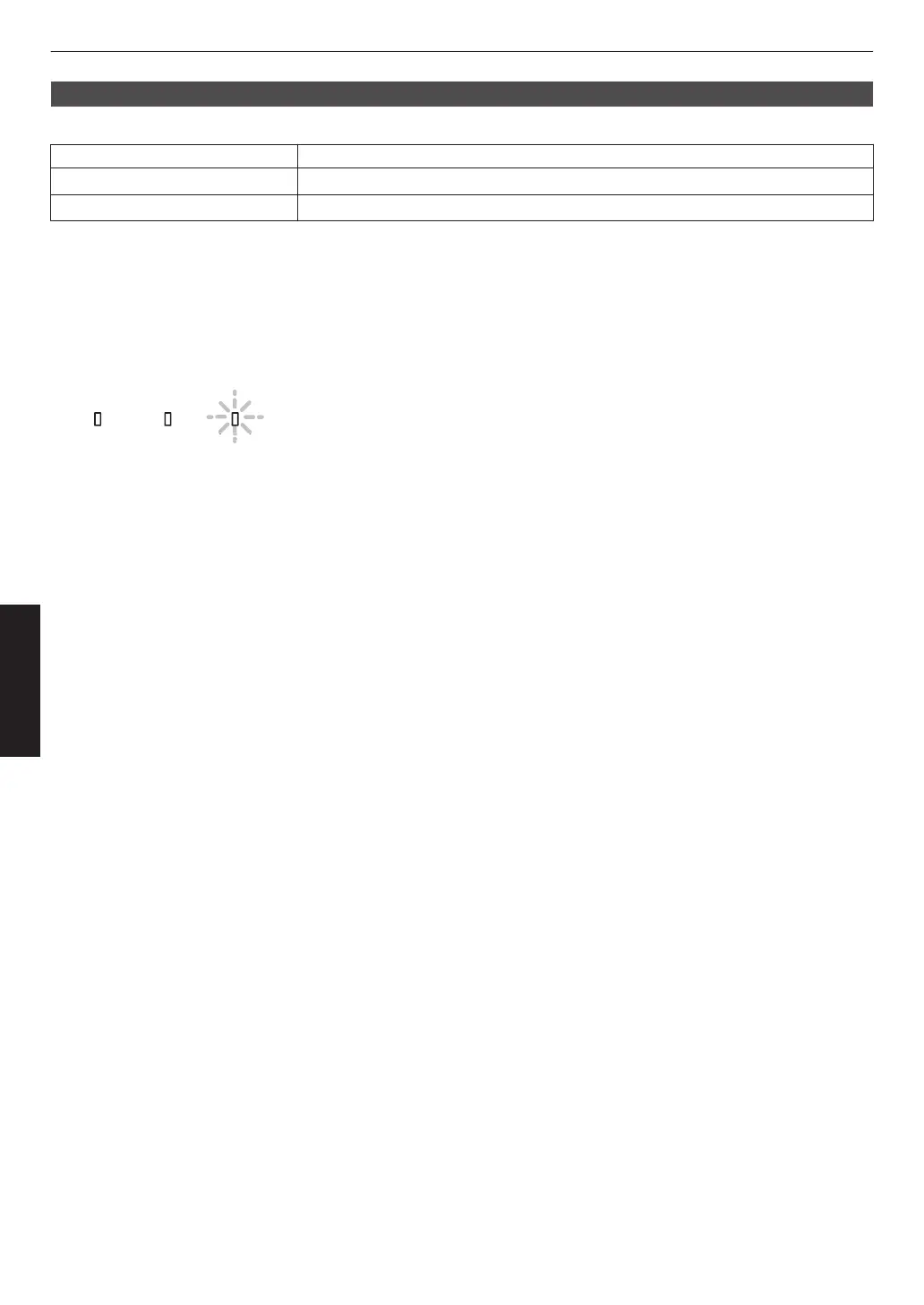
If the setting differs between this unit and the remote control, the “STANDBY/ON” indicator blinks in green when
receiving the remote control code.
88
Adjust/Set



 To Next Page
 Loading...







