Windows XP
0
Make sure that the operating system version is SP2
or higher.
0
Download and install the updating program
(KB955704) from the following URL.
http://www.microsoft.com/downloads/details.aspx?
FamilyID=1cbe3906-ddd1-4ca2-b727-
c2dff5e30f61&displaylang=en
Windows
Vista
0
Make sure that the operating system version is SP1
or higher.
0
Download and install the updating program
(KB975823) from the following URL.
0
32 bit version
http://www.microsoft.com/downloads/en/details.aspx?
FamilyID=2d1abe01-0942-4f8a-abb2-2ad529de00a1
0
64 bit version
http://www.microsoft.com/downloads/en/details.aspx?
FamilyID=7d54c53f-017c-4ea5-ae08-34c3452ba315
Windows 7 Download and install the updating program (KB976422)
from the following URL.
0
32 bit version
http://www.microsoft.com/downloads/en/details.aspx?
FamilyID=3ee91fc2-a9bc-4ee1-aca3-2a9aff5915ea
0
64 bit version
http://www.microsoft.com/downloads/en/details.aspx?
FamilyID=73f766dd-7127-4445-b860-47084587155f
Mac OS X
10.4 Tiger /
Mac OS X
10.5 Leopard
Not compatible.
Mac OS X
10.6 Snow
Leopard
Update the OS version to 10.6.5 or later.
Turning On the Unit
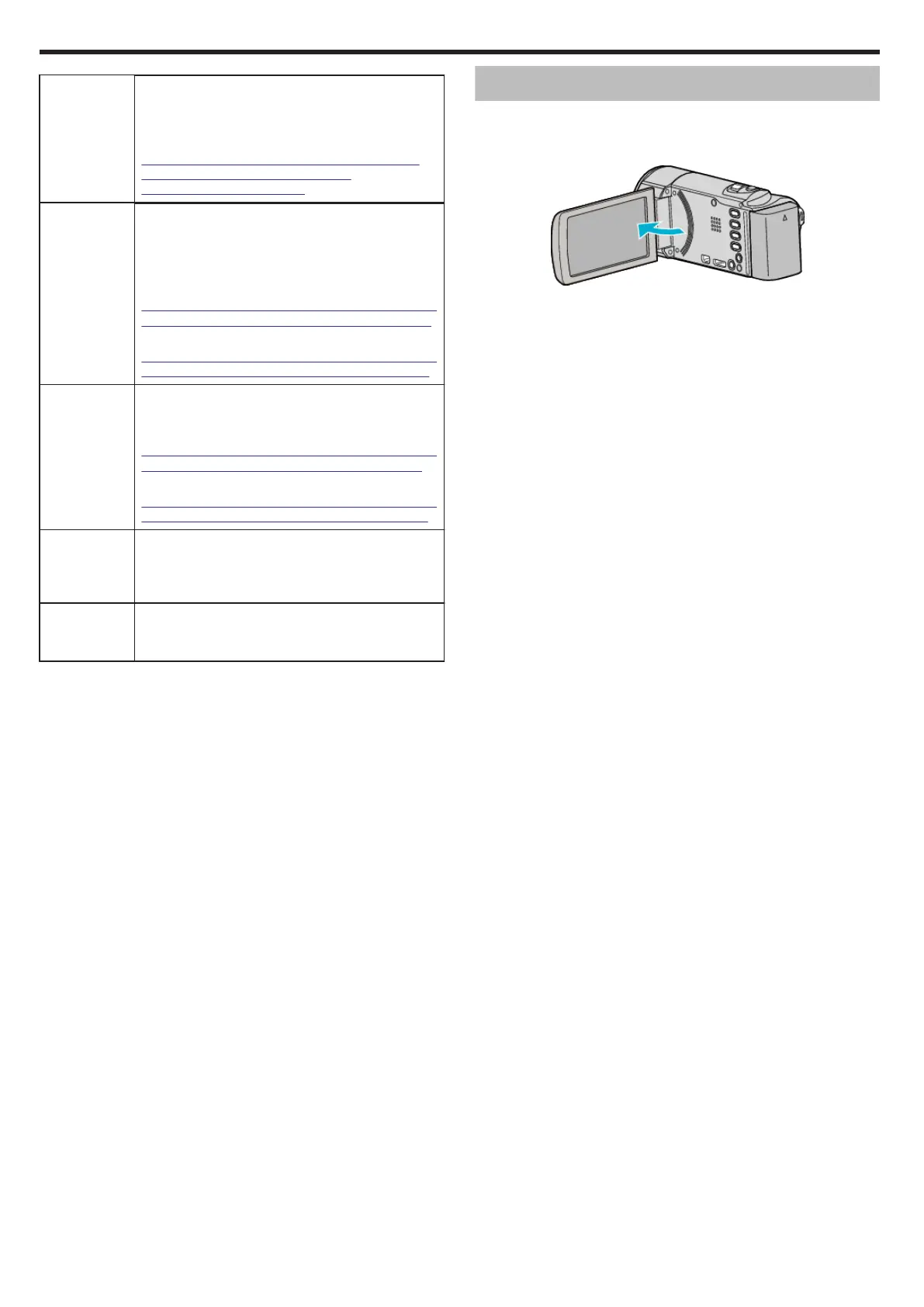
You can turn the power of this unit on/off by opening or closing the LCD
monitor.
1
Open the LCD monitor.
.
0
The unit turns on.
0
When the LCD monitor is closed, the unit turns off.
Getting Started
14










 To Next Page