TENNIS Tennis
5
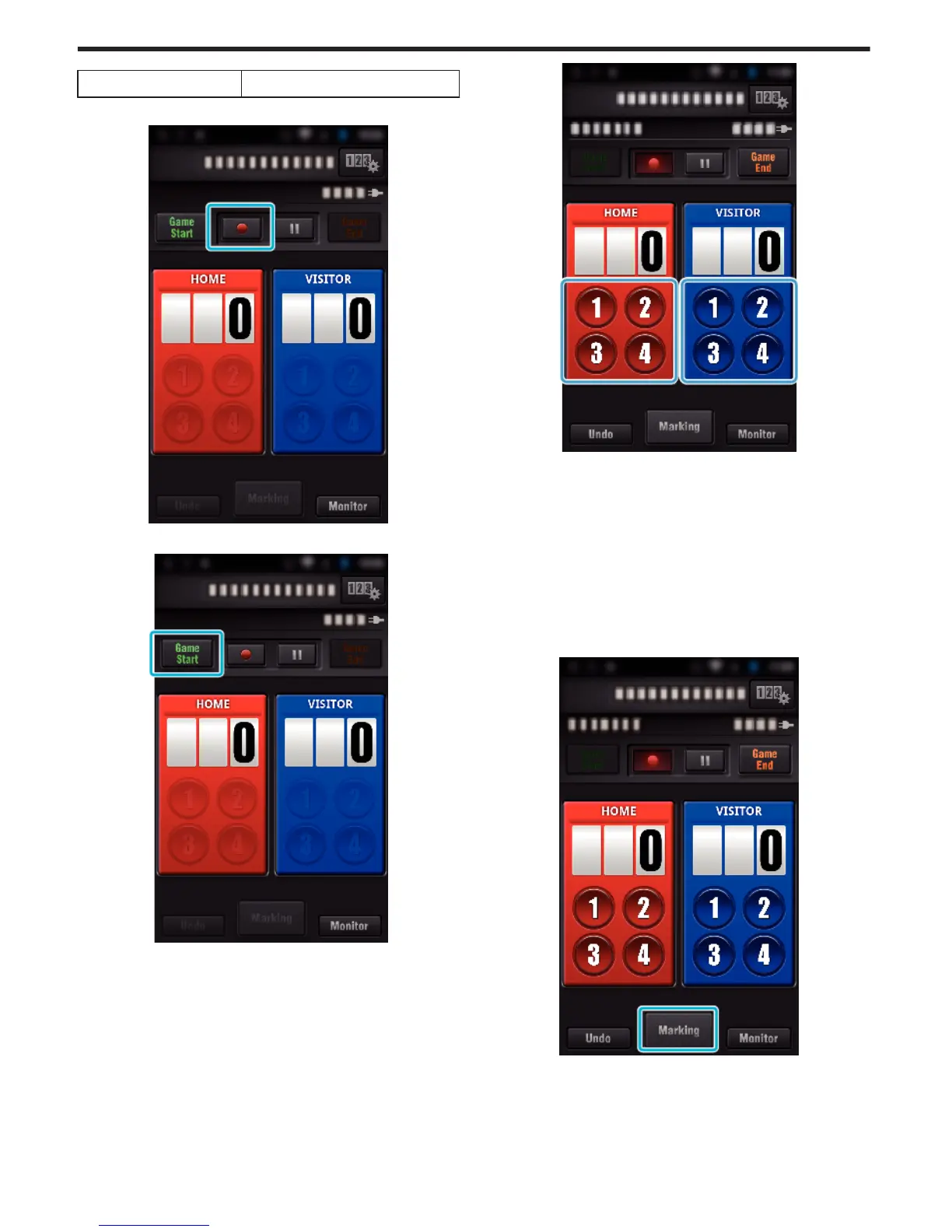
Tap c to start recording the video.
.
6
When the game is started, tap “Game Start”.
.
7
Tap the number when the score is added.
.
0
To modify the score, tap the scorecard. (“ALL-PURPOSE
SCOREBOARD” only)
“Modifying Game Score Directly” (A p. 127)
0
To enter characters, tap the scorecard.
“Entering Short Texts
(“ALL-PURPOSE SCOREBOARD”)” (A p. 128)
“Entering Short Texts
(“TENNIS SCOREBOARD”)” (A p. 129)
0
Tap the “Undo” button to cancel the latest score entry.
0
When the score is registered, next entry cannot be made for 5
seconds.
8
Mark the favorite scenes by tapping “Marking”.
.
9
Tap a type of mark you want to enter.
Using Wi-Fi
126



 To Next Page
 Loading...