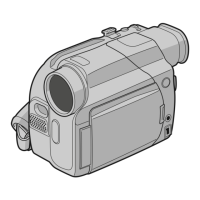
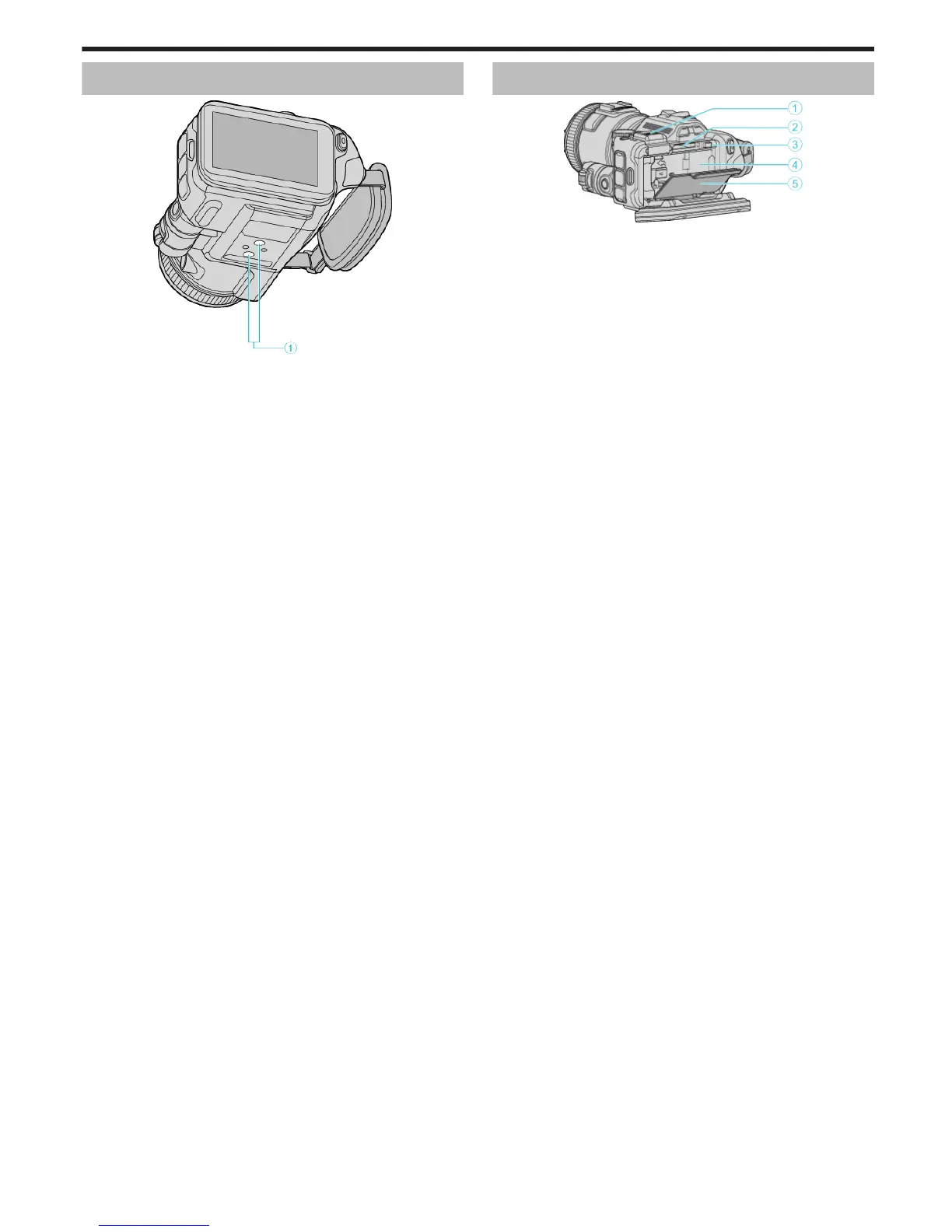
Bottom
.
A Tripod Mounting Hole
“Tripod Mounting” (A p. 21)
Interior
.
A Viewfinder Terminal Cover
0
Attach a viewfinder (sold separately).
0
This may not be commercially available in some regions.
B SD Card Slot
0
Insert an optional SD card.
C Battery Lock Lever
“Detaching the Battery Pack” (A p. 13)
D Battery Insert
“Charging the Battery Pack” (A p. 12)
E Battery Cover
“Charging the Battery Pack” (A p. 12)
Names of Parts
189


 To Next Page
 Loading...