EN 7
Master Page: Right
GR-DVX707EG_02-08.fmPage 7
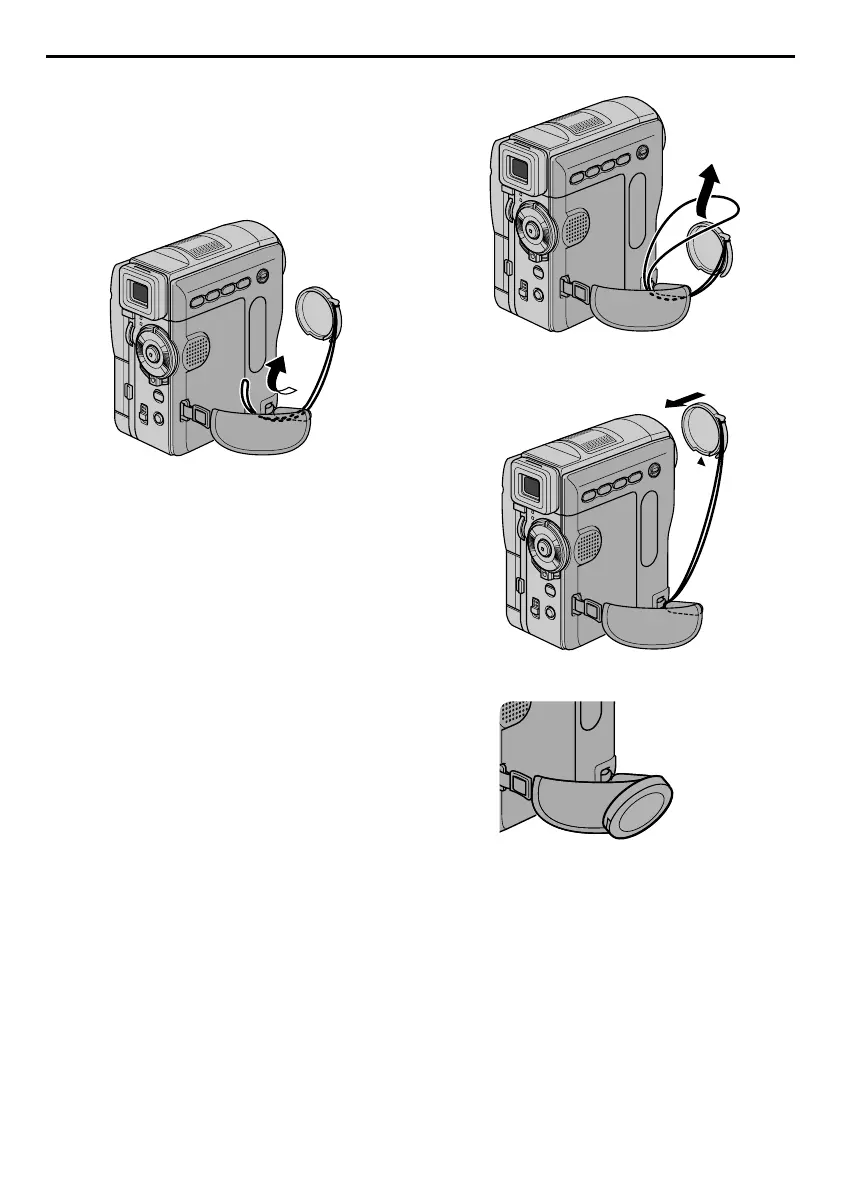
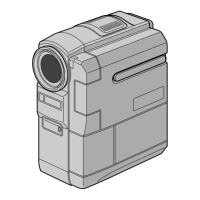
How To Attach The Lens Cap
To protect the lens, attach the provided lens cap to
the camcorder as shown in the illustration.
NOTE:
To confirm the lens cap is on correctly make sure the
cap is flush to the camcorder.
1)
2)
3) Attach the lens cap with the cut downward.
● During shooting
GR-DVX707EG_02-08.fm Page 7 Tuesday, February 5, 2002 5:45 PM


 To Next Page