EN
41
Audio Selection
Some DVD discs contain the multiple audio.
You can select the audio language of movies (DVD VIDEO) or
select to enjoy karaoke with or without the vocal (Video CD).
1
Access the selection menu.
Press
A.MONITOR
during playback.
2
Select the audio.
Press
A.MONITOR
or
we
, then press
OK
.
●
The selection menu disappears automatically if you do not
change the selection for 5 seconds.
For DVD VIDEO
Each time you press
A.MONITOR
or
we
, the
audio language or sound
changes.
For Video CD
Each time you press
A.MONITOR
or
we
, the
playback audio changes.
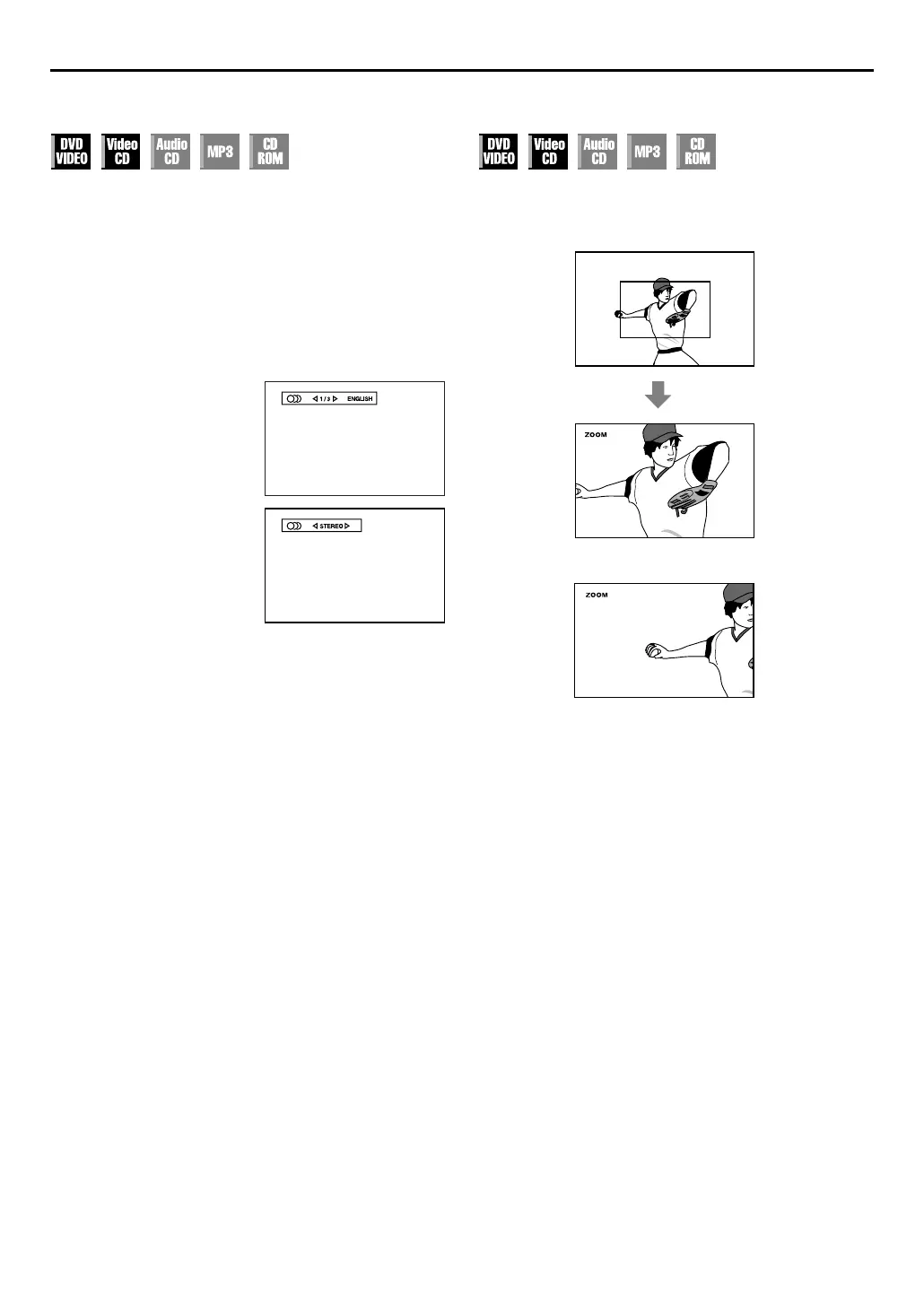
Zooming
Press
ZOOM
during playback.
●
The unit zooms in to the centre part of the scene to produce a
double-sized image.
●
While zoomed, the picture may look coarse or distorted.
Press
rt w e
to move the zoomed-in scene.
●
To resume normal playback, press
ZOOM
again.



 To Next Page