60
EN
EDITING (S-VHS DECK) (cont.)
Output/Input Set
L-1 Output Setting (L-1 OUTPUT)
Set “L-1 OUTPUT” to the appropriate mode depending on the
type of appliance connected to the unit’s L-1 IN/OUT connector.
A
Select the S-VHS deck.
On the unit
Press
S-VHS/DVD
repeatedly so that the S-VHS indicator
lights up.
On the remote control
Press
S-VHS
so that the S-VHS indicator lights up.
B
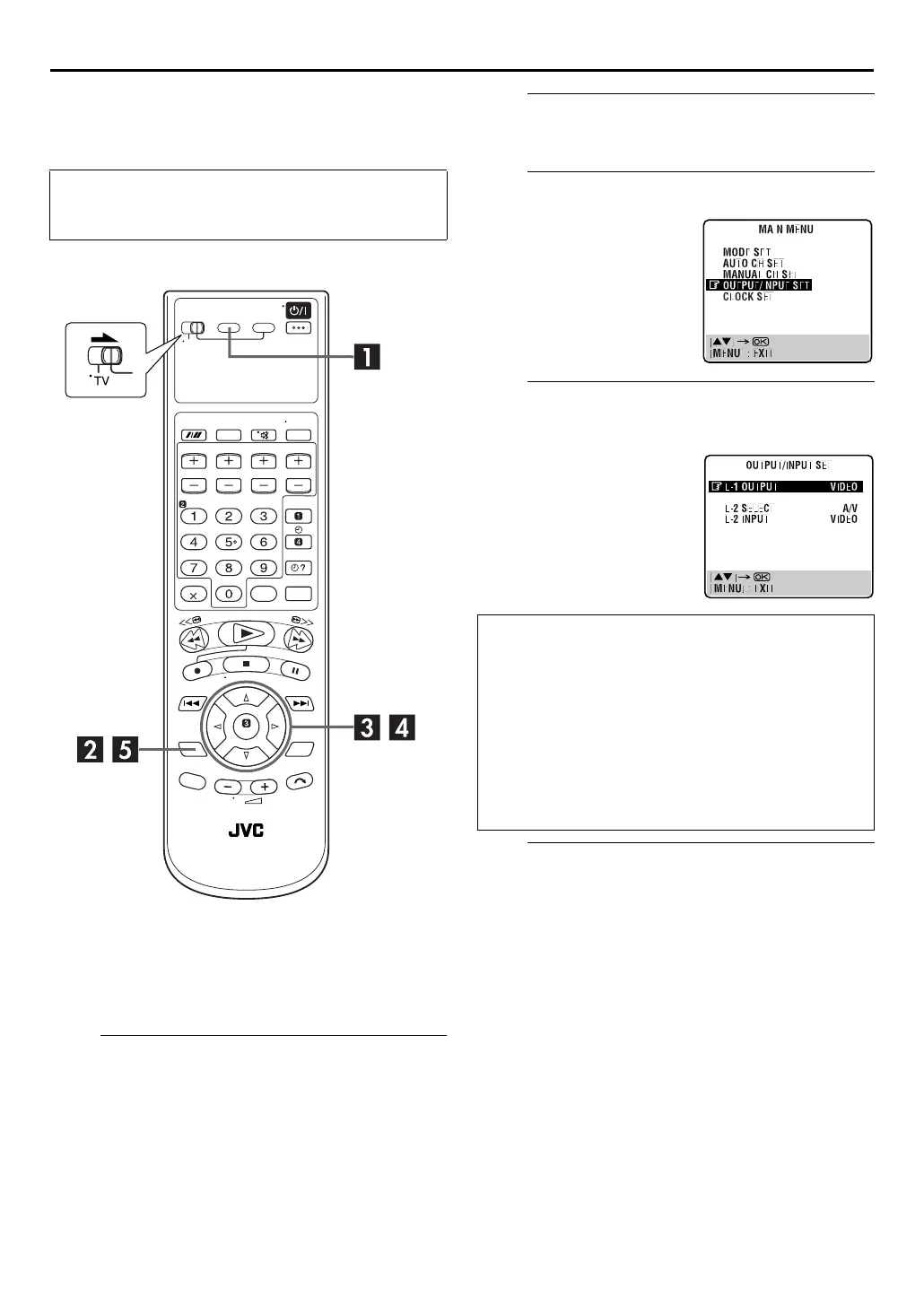
Access the Main Menu screen.
Press
SET UP MENU
.
C
Access the Output/Input Set screen.
D
Select the output mode for the L-1 IN/OUT
connector.
E
Return to the normal screen.
Press
SET UP MENU
.
NOTE:
It is not possible to set the input mode for the L-1 IN/OUT
connector. The input for this connector is only compatible with
the composite signal.
●
Turn on the TV and select the video channel (or AV
mode).
●
Slide the
TV/S-VHS/DVD
switch to the right.
Press
rt
to move the
highlight bar (pointer) to
“OUTPUT/INPUT SET”, then
press
OK
or
e
.
Press
rt
to move the
highlight bar (pointer) to “L-1
OUTPUT”. Then, press
OK
or
e
to select the appropriate
setting.
* The default setting is
bold
in
the table below.
8
L-1 OUTPUT
VIDEO
: If a connected appliance’s input is
compatible only with regular video
signals, set to “VIDEO”.
S-VIDEO:
If a connected appliance’s input is
compatible with Y/C signals, set to
“S-VIDEO”. You can obtain high-
quality S-VHS picture. (For
connection, be sure to use a 21-pin
SCART cable that is compatible with
the Y/C signal.)



 To Next Page