40
EN
OPERATIONS ON DVD DECK (cont.)
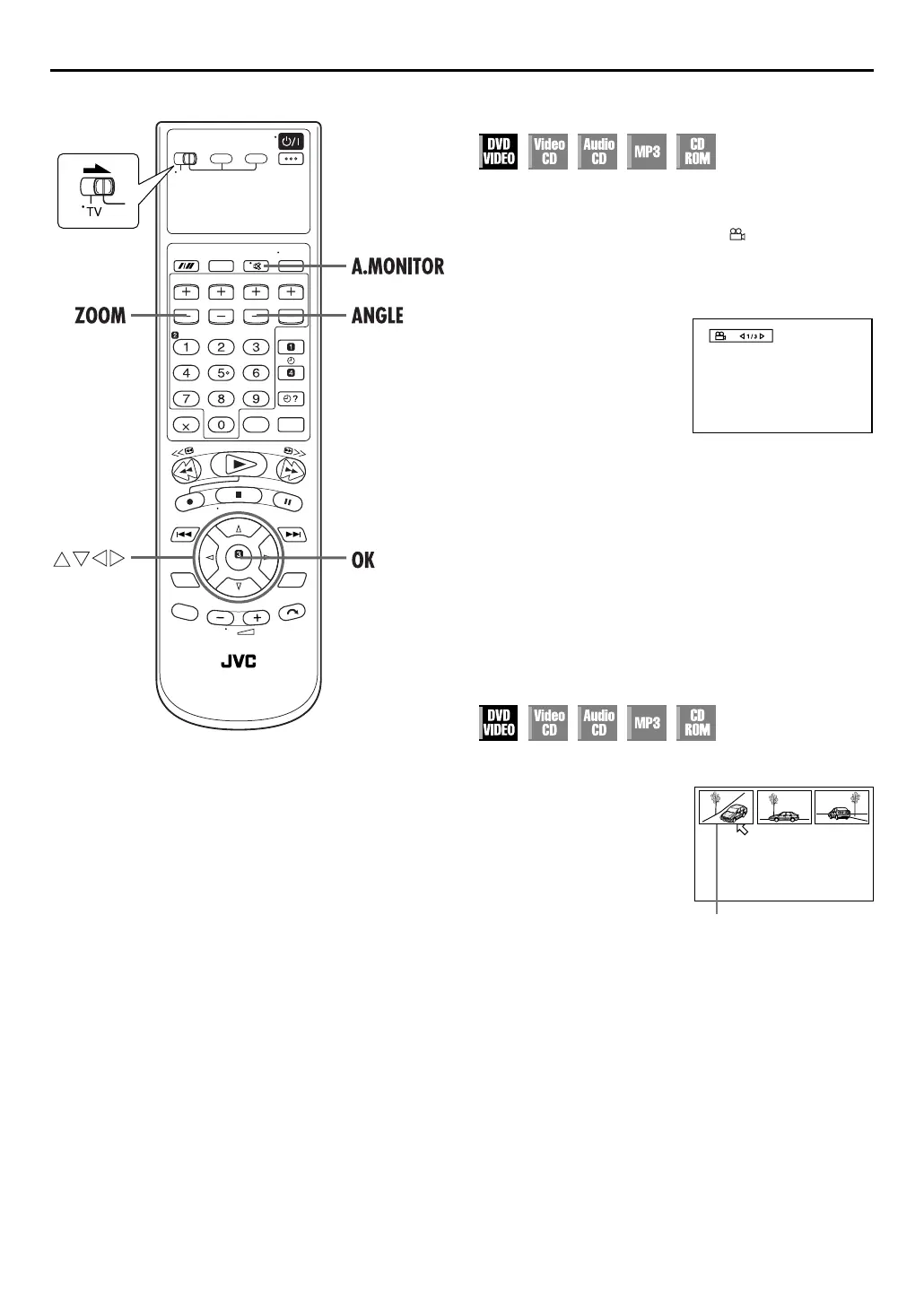
Angle Selection (A)
You can enjoy a variety of scene angles if the DVD VIDEO disc
contains “multi-angle” parts, where multiple cameras were used
to shoot the same scene from different angles.
If the disc contains “multi-angle” parts, “ ” appears on the TV
screen at the beginning of the “multi-angle” part when “ON
SCREEN GUIDE” is set to “ON”.
1
Access the selection menu.
2
Select the angle.
Press
ANGLE
or
we
to select the desired angle, then
press
OK
.
●
Each time you press
ANGLE
or
we
, the angle changes.
●
The selection menu disappears automatically if you do not
change the selection for 5 seconds.
NOTE:
When “
X
” appears on the TV screen in step
1
, the current scene
is not recorded from multiple angles.
Angle Selection (B)
1
Access the angle list.
2
Select the angle.
Press
rt w e
to select the desired angle, then press
OK
.
NOTES:
●
When “
X
” appears on the TV screen in step
1
, the current
scene is not recorded from multiple angles.
●
During the operation above, audio is not played back.
Press
ANGLE
during
playback.
Press and hold
ANGLE
for
more than 1 second.
●
Up to 9 camera angles
recorded on the disc appear
on the TV screen
The selected camera angle



 To Next Page