ENGLISH
15
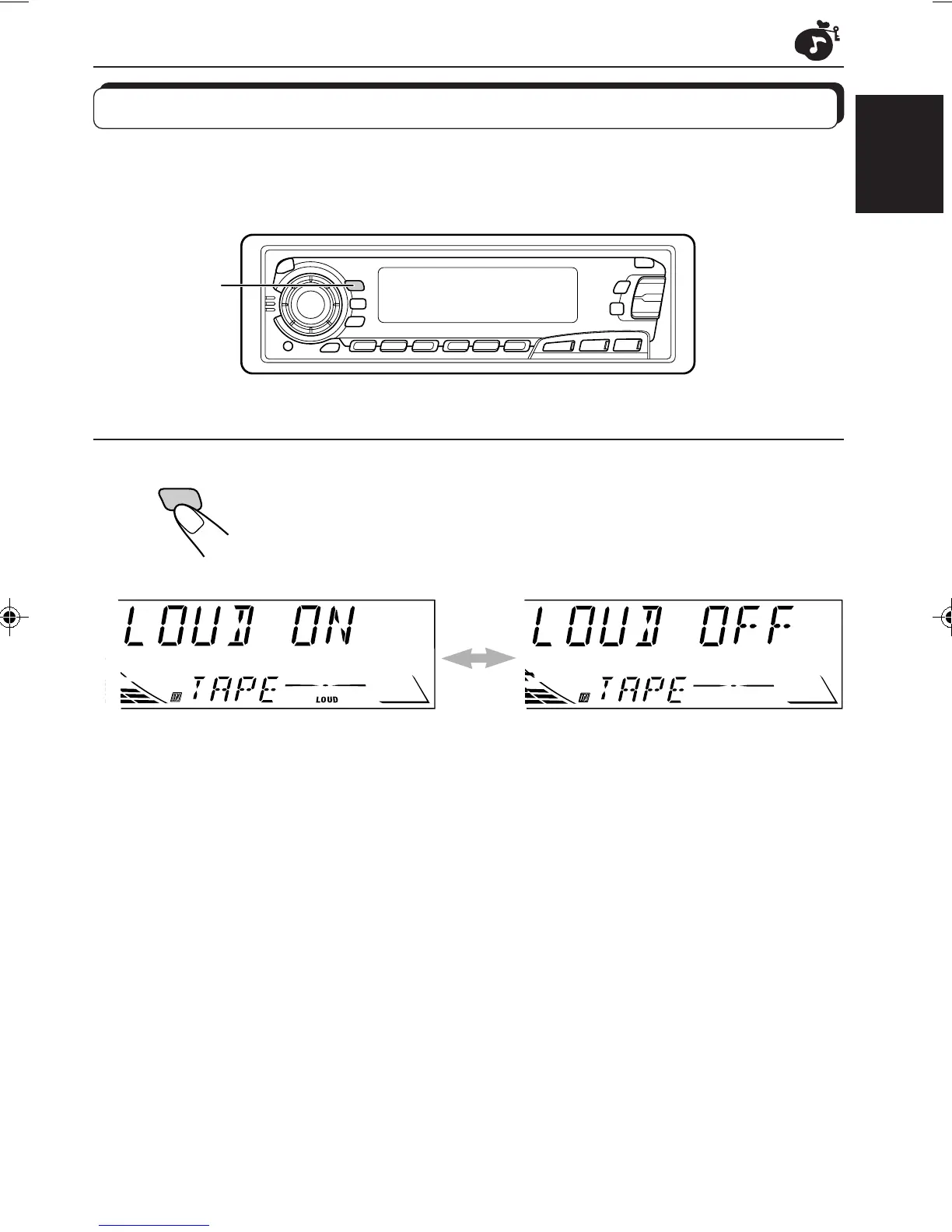
LOUD
Turning on/off the loudness function
The human ear is less sensitive to low and high frequencies at low volumes.
The loudness function can boost these frequencies to produce well-balanced sound at low
volume level.
1
Turn on or off the loudness function.
Each time you press LOUD, the loudness function turns on and off
alternately.
1
EN14-18.KS-FX450[J] 99.11.26, 7:04 PM15



 To Next Page