ENGLISH
17
Recalling the sound modes
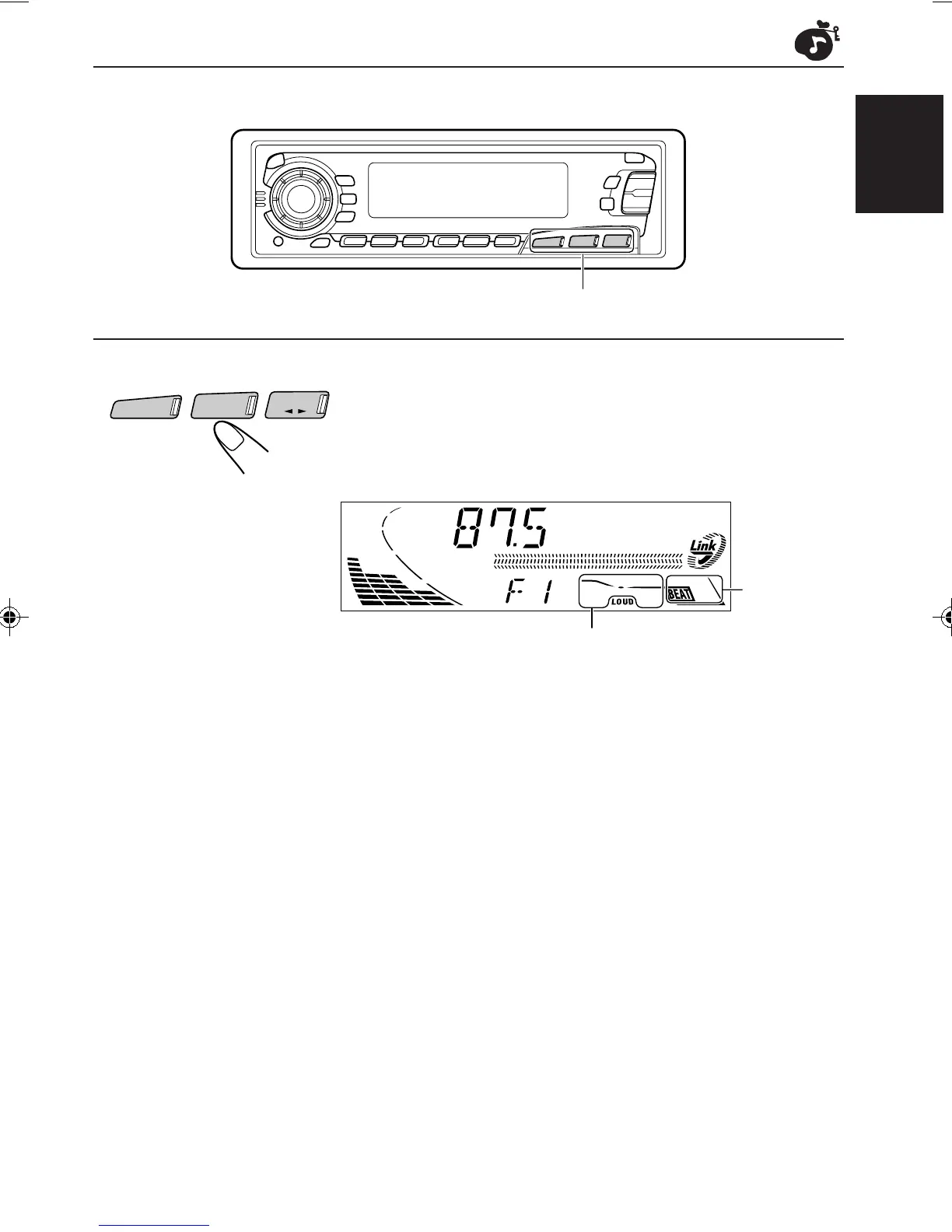
Select the source while the “Link” indicator is
lit on the display.
The “Link” indicator starts flashing, and the sound mode stored
in memory for the selected source is recalled.
Notes:
• You can adjust each sound mode to your preference, and store it in memory.
If you want to adjust and store your original sound mode, see “Storing your own sound adjustments”
on page 18.
• To adjust the bass and treble reinforcement levels or to turn on/off the loudness function temporarily,
see pages 14 and 15. (Your adjustments will be canceled if another source is selected.)
Sound mode
indicator
CD-CH
FM/AM
TAPE
Equalization pattern of the
selected sound mode appears.
Source buttons
EN14-18.KS-FX450[J] 99.11.26, 7:04 PM17



 To Next Page