Initial settings
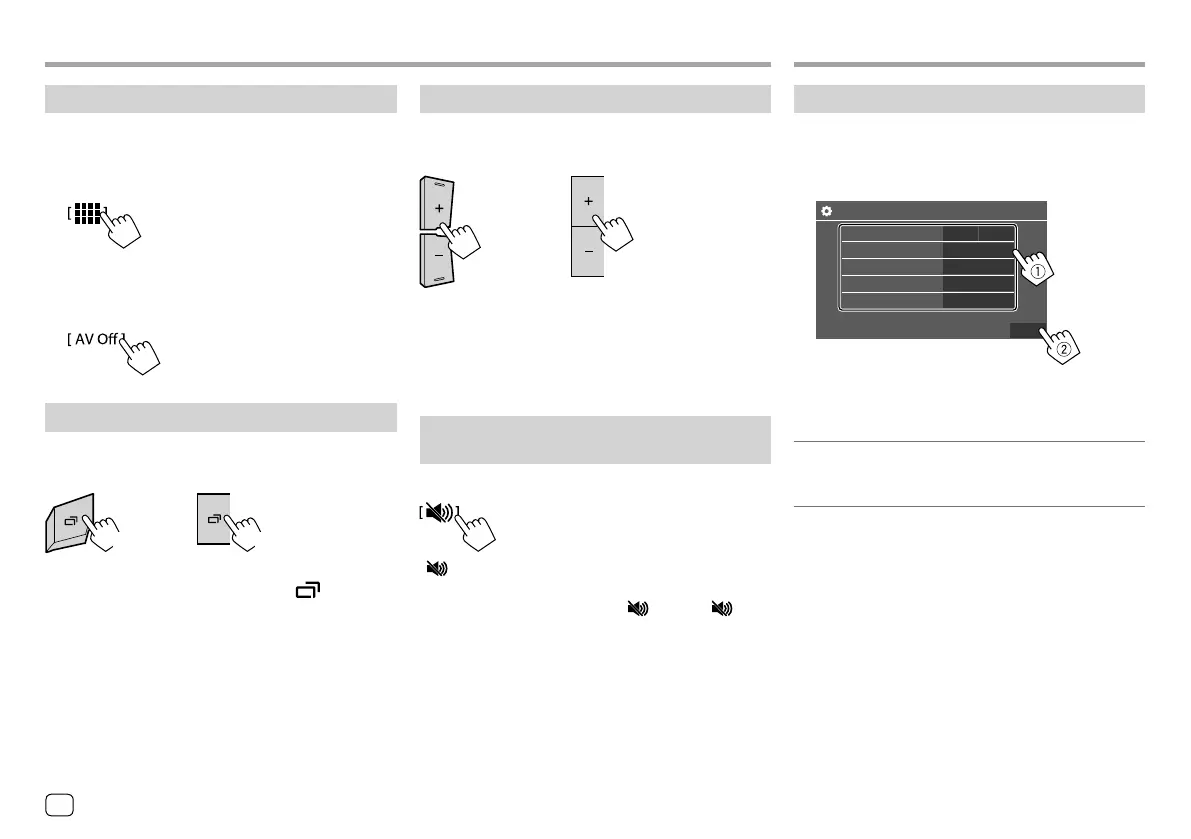
When you power on the unit for the first time or reset
the unit, the <Initial Settings> screen appears.
Perform the initial settings.
Initial Settings
Demonstration
Language
Rear Camera
User Customize
Viewing Angle
Finish
ON
English
Enter
Enter
Enter
OFF
E.g. Initial settings screen for KW-V240BT
Once completed, Home screen appears.
<Demonstration>
• ON (Initial): Activates the display demonstration.
• OFF: Deactivates the display demonstration.
Getting StartedGetting Started
Turning off the AV source
1 Display the source/option selection
screen.
On the Home screen, touch as follows:
2 Turn off the AV source.
On the source/option selection screen, touch as
follows:
Turning off the screen
KW-V140BT
KW-V240BT
KW-V340BT
(Hold)
(Hold)
To turn on the screen: Press and hold on the
monitor panel or touch the screen.
Basic OperationsBasic Operations
Adjusting the volume
KW-V140BT
KW-V240BT
KW-V340BT
You can adjust the volume (00 to 35) by pressing + to
increase and pressing – to decrease.
• Holding + increases the volume continuously to
level 15.
Attenuating the sound
(Only for KW-V340BT)
On the source control screen, touch as follows:
[ ] becomes blue.
To cancel attenuation: Touch [ ] again. ([ ]
becomes white.)
4
ENGLISH
ENKW-V2018STKR.indb4ENKW-V2018STKR.indb4 2017/05/259:042017/05/259:04



 To Next Page