4.8 EPG/PVR/Timeshift
29
4.
8.1
EPG
1.1
EPG abstract
1.2
D
aily Mode
D
isplay
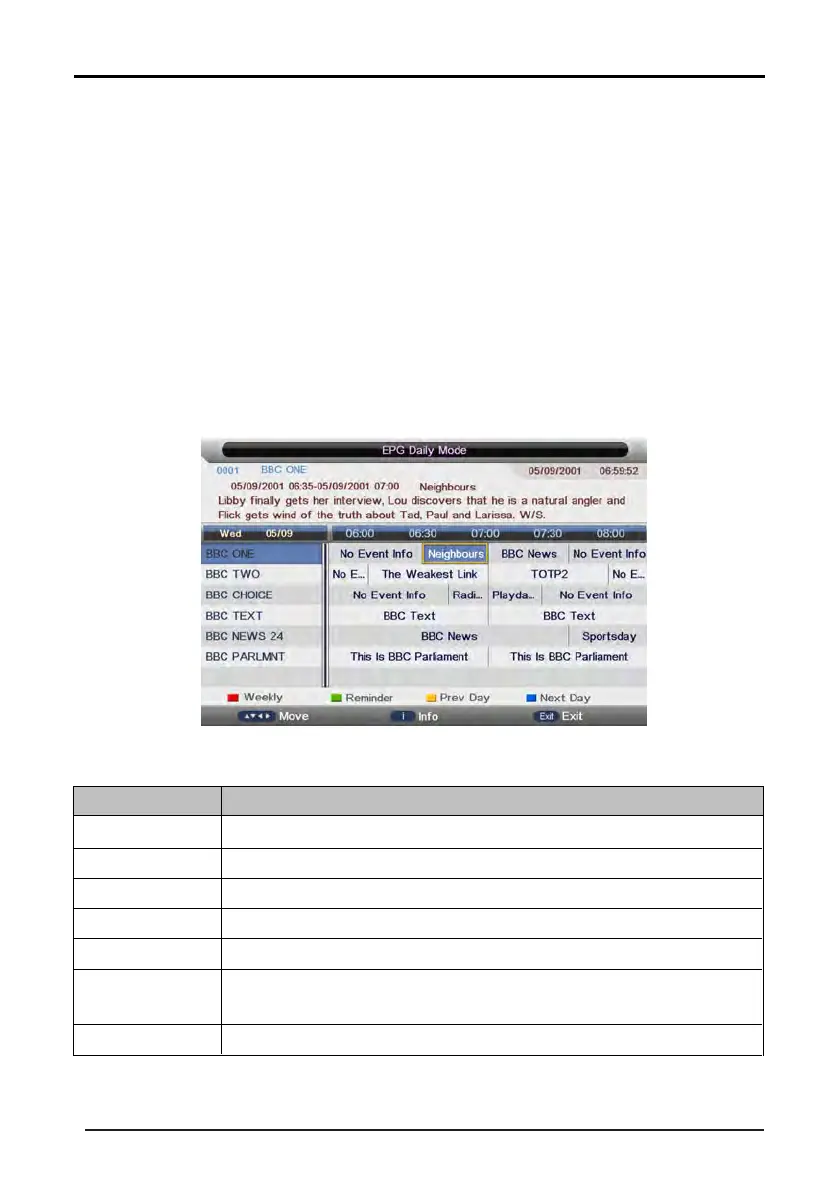
the information of the programs that start in a scheduled period of time in the current channel. It
includes name, start time, end time, short content description, current date/time, etc.
EPG
Daily
Mode
Press the EPG button on the remote control to open the Electronic Program Guide. The EPG shows information
about the current and upcoming programs running on each channel.
There are three modes - Daily mode, Weekly mode and Extended mode.
If the highlighted program is not parental locked, it will be played simultaneously in the background.
KEY
_GREEN
Ke
y Stroke
Ac
tion
KEY
_RED
Change to weekly mode.
KEY_YELLOW
KEY_BLUE
KEY_INFO
If the cursor lies on the right event list, change to Extended Mode by enter the key
“KEY_INFO” or back to daily mode by enter the key “KEY_RETURN”.
KEY_EXIT Exit EPG.
DIRECTION KEYS
Scroll through the channels and programs on each channel.
Set a reminder for the selected program.
Show the previous day's programs.
Show the next day's programs.



 To Next Page
 Loading...










