1-7
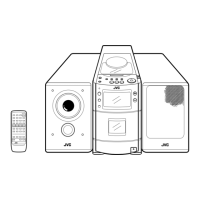
UX-T77
Disassembly method
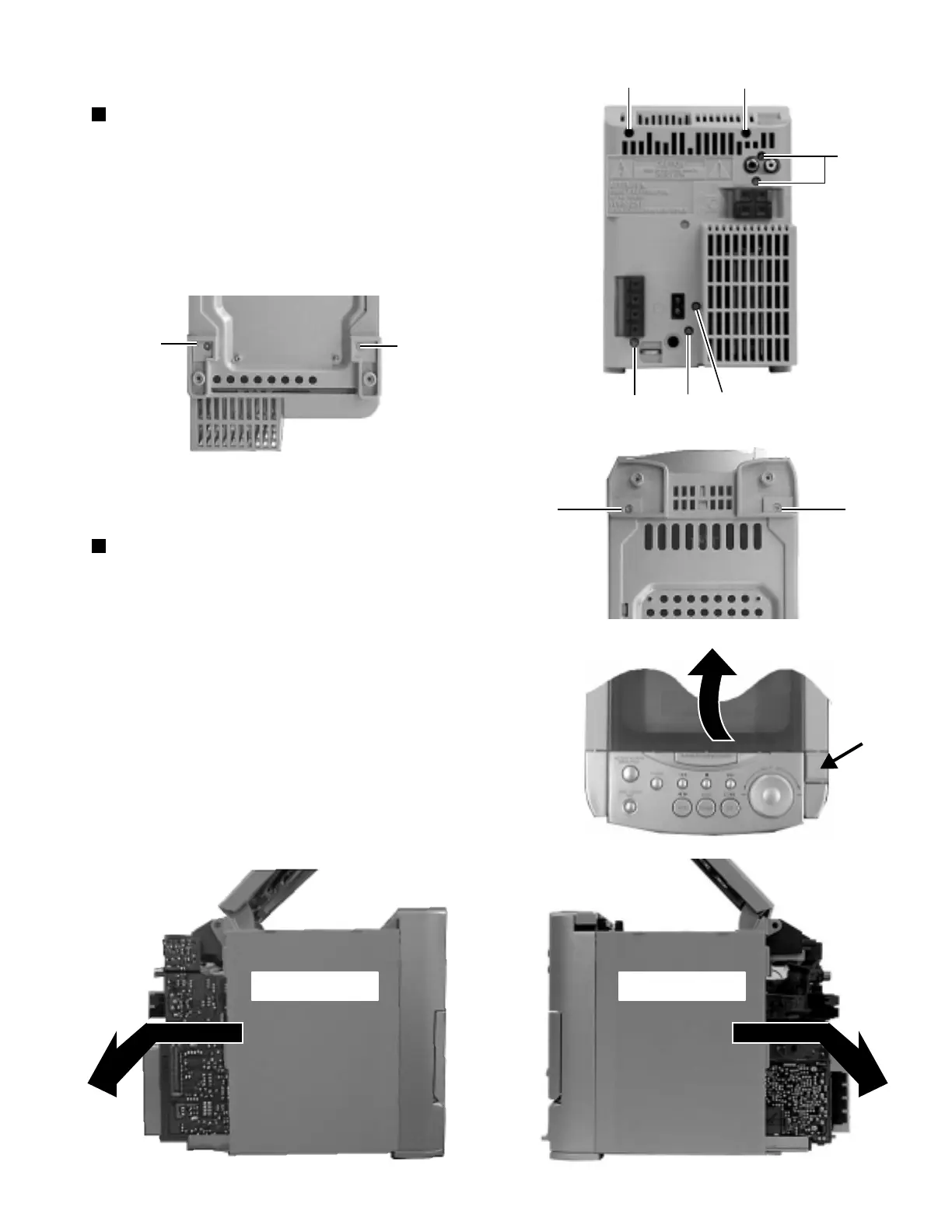
Removing the rear panel (See Fig. 1 and 2)
Removing the side panel ( L and R )
(See Fig. 3 to 6)
1. From behind the body, remove the seven screws A
retaining the rear panel.
2. After turning the body upside down, remove the two
screws B retaining the rear panel.
3. Take out the rear panel from behind the body.
1. After turning the body upside down, remove the two
screws C retaining the front cabinet assembly.
2. After turning the body back to initial position, open the
CD door while pressing the upper OPEN button.
3. While moving the side panel (L) in the arrow direction,
remove the panel from the left side of the body.
4. While moving the side panel (R) in the arrow direction,
remove the panel from the right side of the body.
A
A
A
A
A
A
Fig. 1
Fig. 3
Fig. 4
Fig. 6
Fig. 2
Fig. 5
Rear panel
Rear panel
B
B
Front cabinet
CC
Side panel (L) Side panel (R)


 To Next Page